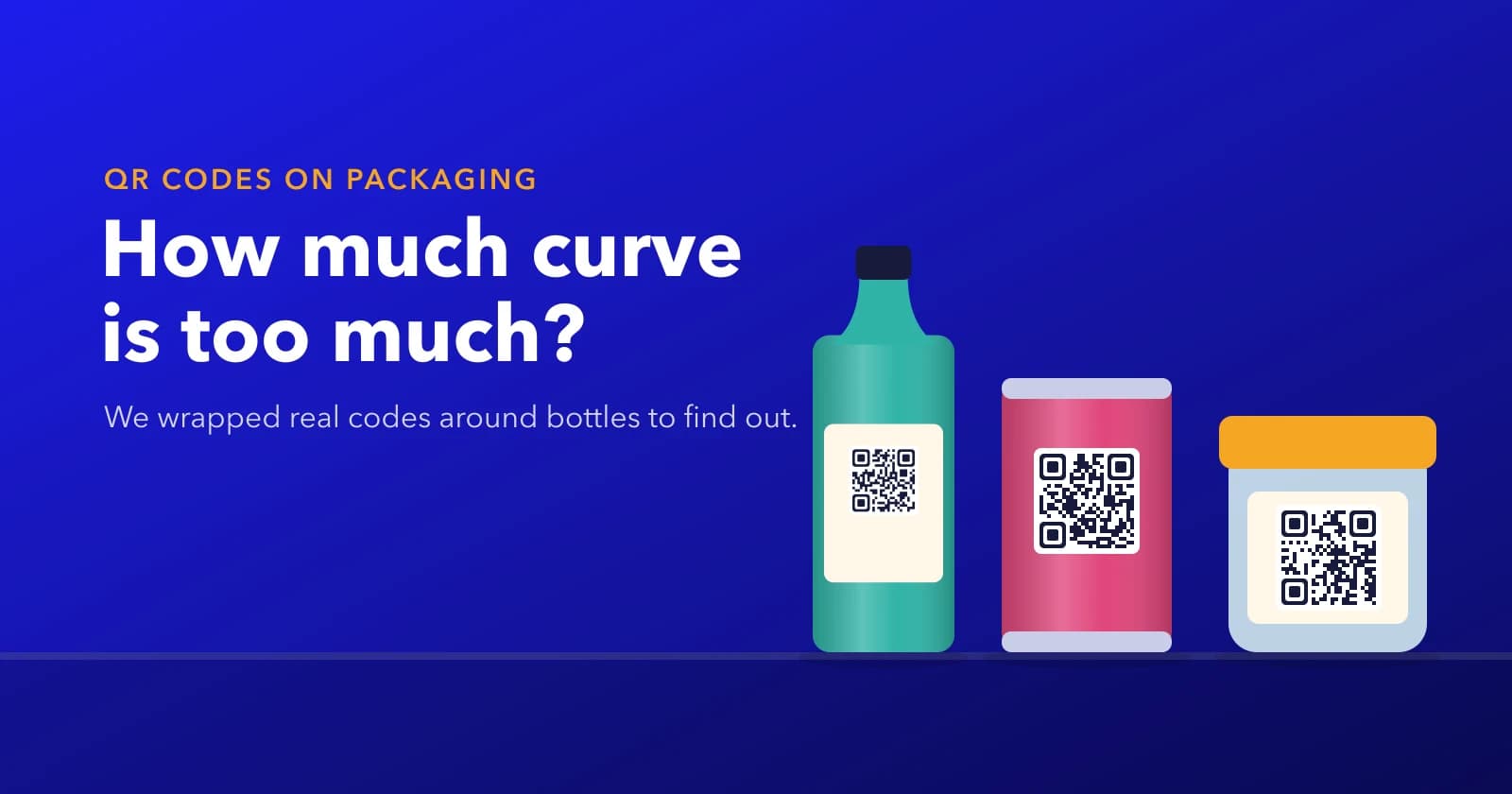
QR Codes on Bottles and Cans: How Much Curve Is Too Much?
We wrapped a real QR code around five bottle sizes to see when the curve stops it scanning. Here's how wide your code can be, and why level H won't save it.
ZetaQR Team
Verified Contributor
In short: on a round bottle, keep the printed QR code (its blank margin included) to about three-quarters of the bottle's diameter. In our test, codes kept scanning up to roughly 85% of the diameter and failed once they reached the full width. Switching to error correction level H didn't help. If the bottle is too thin for a big enough code, move the code to the cap, a neck tag or the outer box.
Why a Bottle Bends the Code
Say you're signing off a label for a 40 mm bottle of hair oil. On the artwork the QR code is a perfect square. On the shelf it isn't.
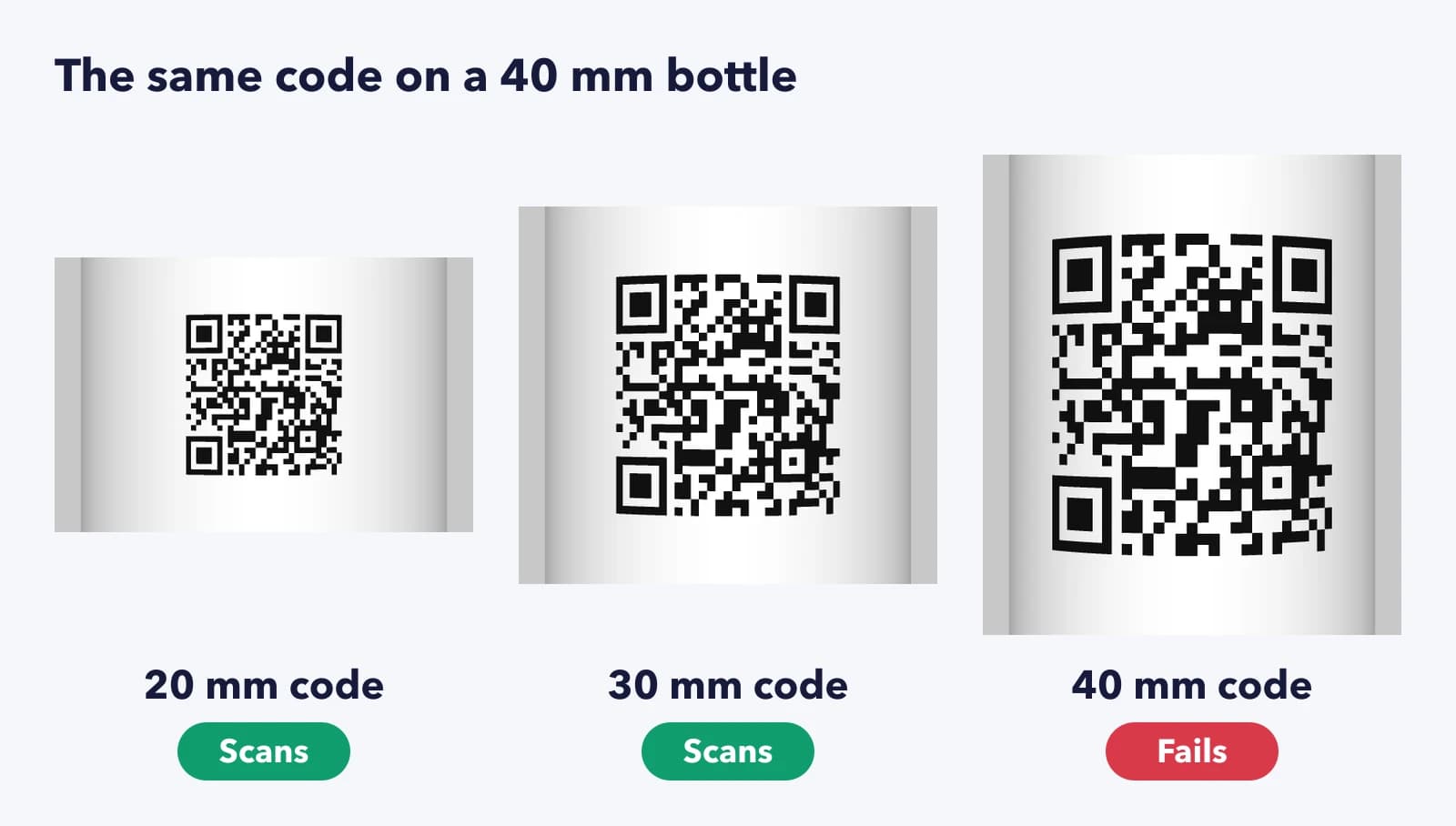
Wrap that square around a cylinder and the phone sees the middle at full width while the sides curl away. The squares near the edges get squeezed into thin slivers, and the corner markers the scanner looks for first get pulled out of shape. The edges also sit in shadow, because they face away from the light. Small curve, small problem. Tight curve, no scan.
Our packaging page gives the short version: place the code on the flattest part and test a real sample. We wanted actual numbers, so we measured where it breaks.
We Wrapped a Code Around Five Bottle Sizes
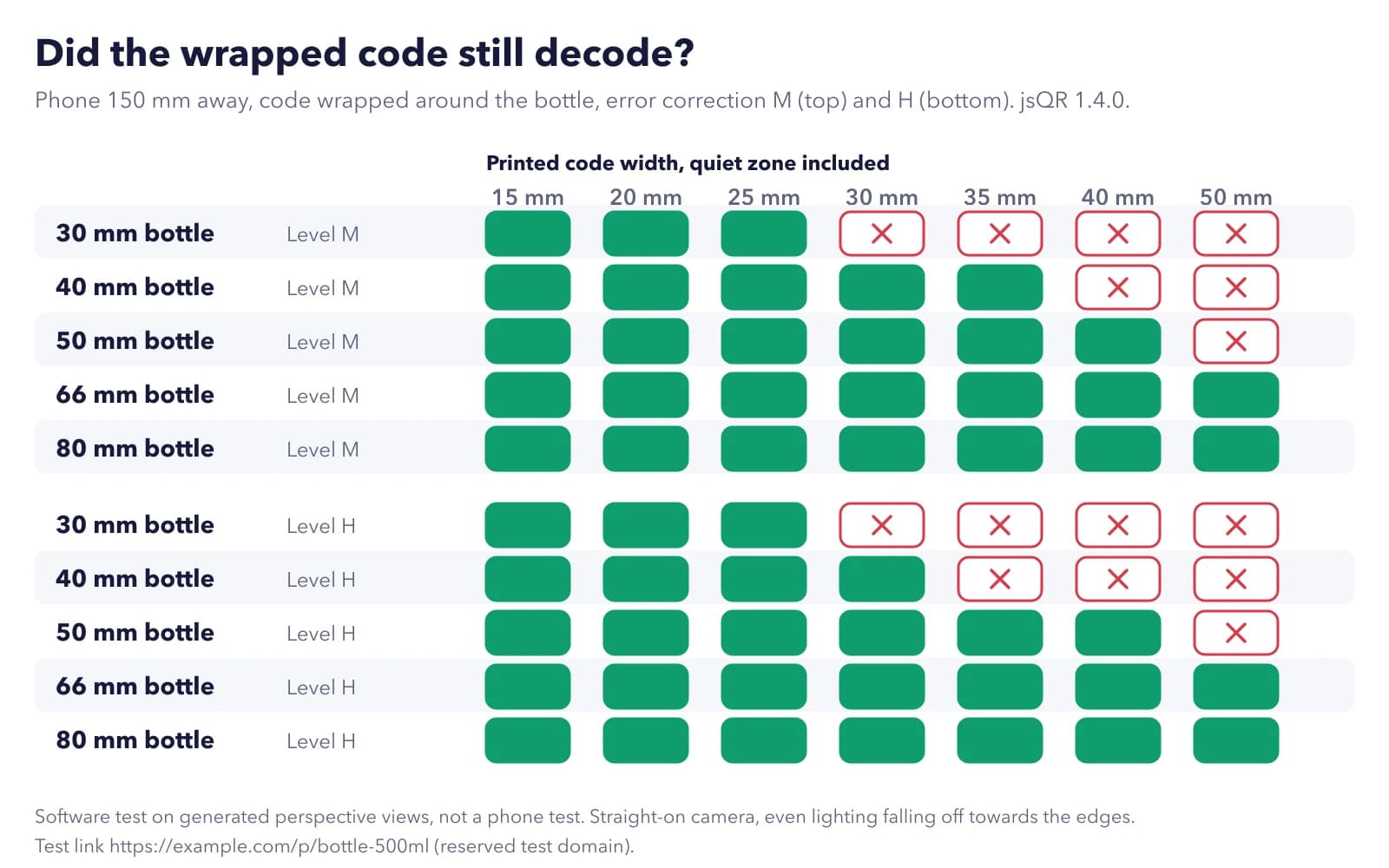
Here's the setup. We made one QR code for a test link (https://example.com/p/bottle-500ml, on a domain reserved for testing) and wrapped it around bottles 30, 40, 50, 66 and 80 mm across. On each bottle we tried seven printed widths, from 15 to 50 mm with the blank margin included. A phone camera was placed 150 mm in front of the bottle, looking straight at the code, with the light falling off towards the edges as it does on a real pack. Every view went through jsQR, an open-source decoder. We ran it all twice, once with error correction M (the usual default) and once with H, the highest level.
What Broke, and When
The pattern was consistent. A code kept scanning until it took up somewhere between 83% and 88% of the bottle's diameter, then failed. On the 30 mm bottle the 25 mm code worked and the 30 mm one didn't. On the 40 mm bottle, 35 mm worked and 40 mm didn't. On the 50 mm bottle everything up to 40 mm scanned. The 66 and 80 mm bottles never failed, even with the widest code we tried.
Then the surprise. Level H didn't buy any extra room. On the 40 mm bottle it actually failed one size earlier, at 35 mm. That sounds odd until you look at what error correction does. It rebuilds data from squares that are scratched, smudged or missing (QR's inventor, DENSO WAVE, explains how it works). It can't straighten a grid that's been bent out of shape. And H adds more squares to the same space, so each one is smaller and the curve squeezes it sooner.
So keep level H for packs that get scuffed in shipping. Don't reach for it to fix a curve. (If error correction levels are new to you, our guide to printing QR codes covers them.)
One caveat. This was a software test on generated views, with the phone held straight on. A real phone at a slight angle, a glossy label or uneven lighting will all eat into the margin, which is why we'd stop short of the failure point rather than print right up to it.
So How Wide Can the Code Be?
Aim for about three-quarters of the bottle's diameter, blank margin included. That stayed inside the working range for every bottle we tested, with some room to spare. On a 40 mm bottle it means a code of about 30 mm. On a 50 mm bottle, about 37 mm.
Thin bottles are where it gets tight. On a 30 mm bottle, three-quarters is only 22 mm, right around the usual minimum for a printed code. If that's your pack, don't squeeze it. Put the code on the cap, on a neck tag or on the carton the bottle ships in, where it can be as big as it needs to be.
And if you're printing on a can or a jar 66 mm across or wider, relax. Every size we tried scanned, so the curve isn't what will limit you there.
Where the Code Goes on Different Packs
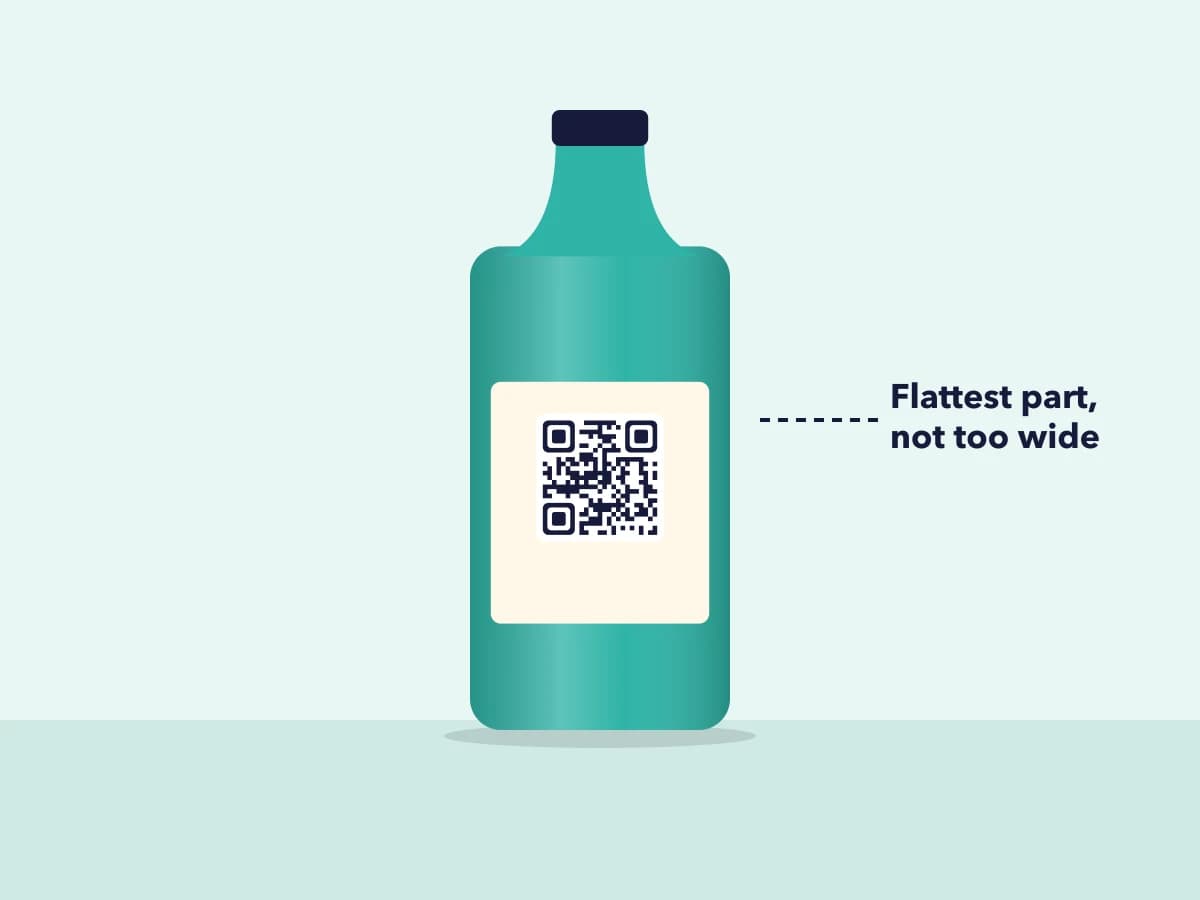
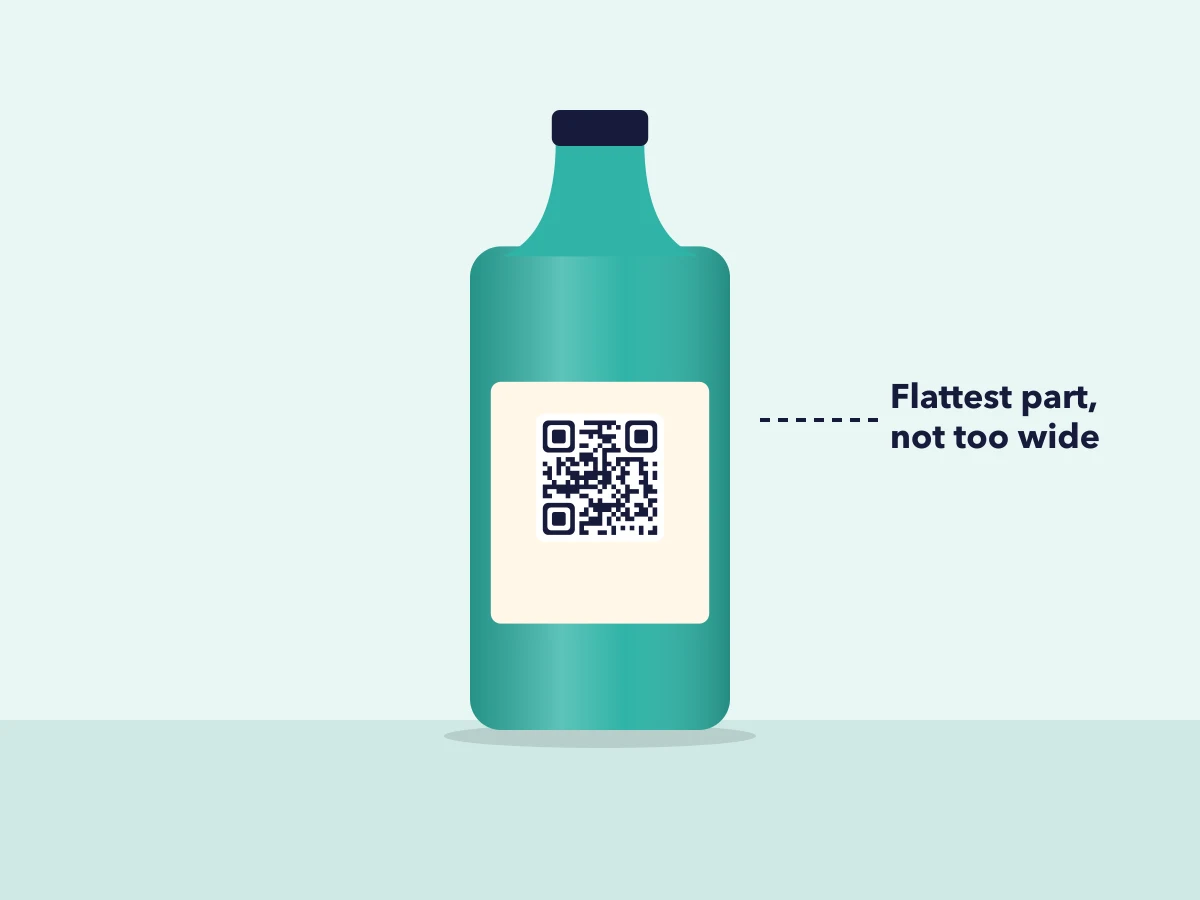
Bottles: the straight part of the body, kept to about three-quarters of the width. 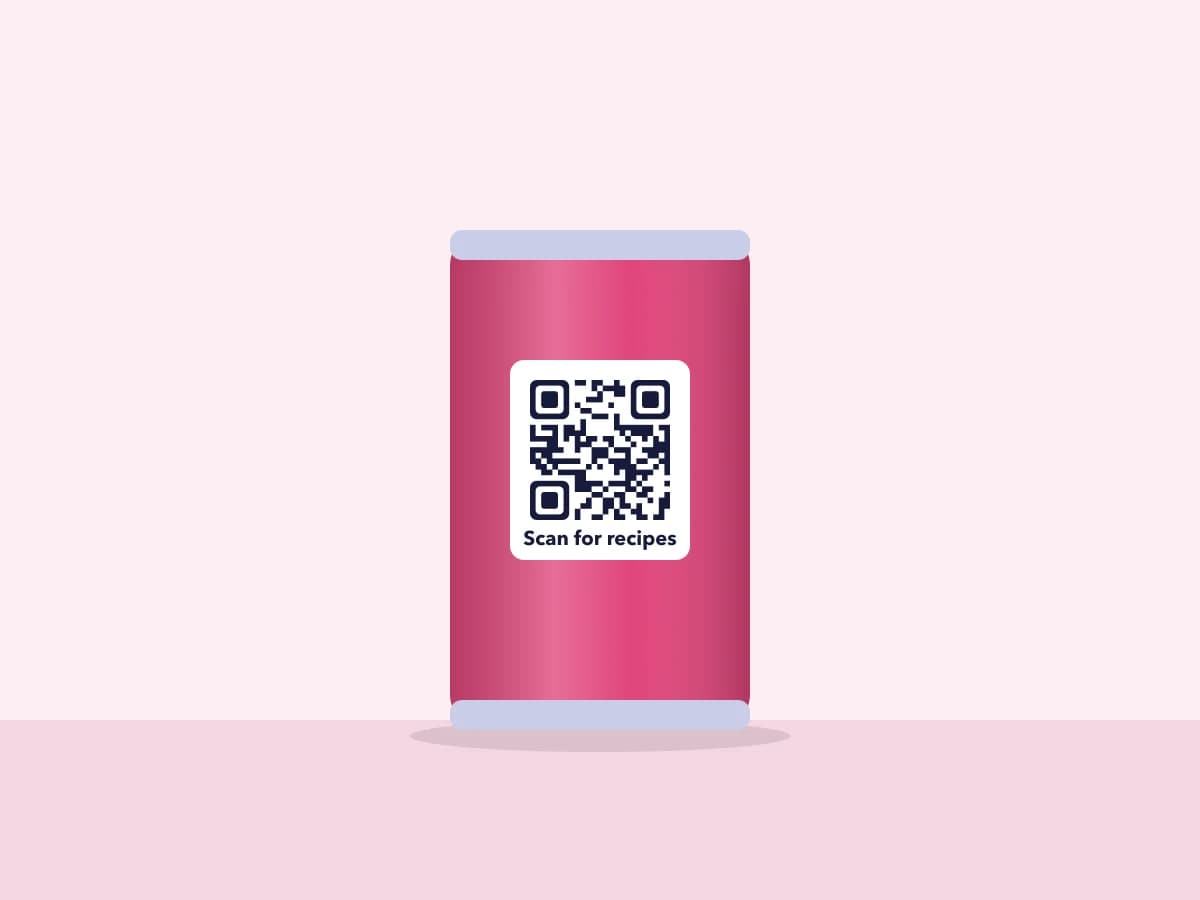
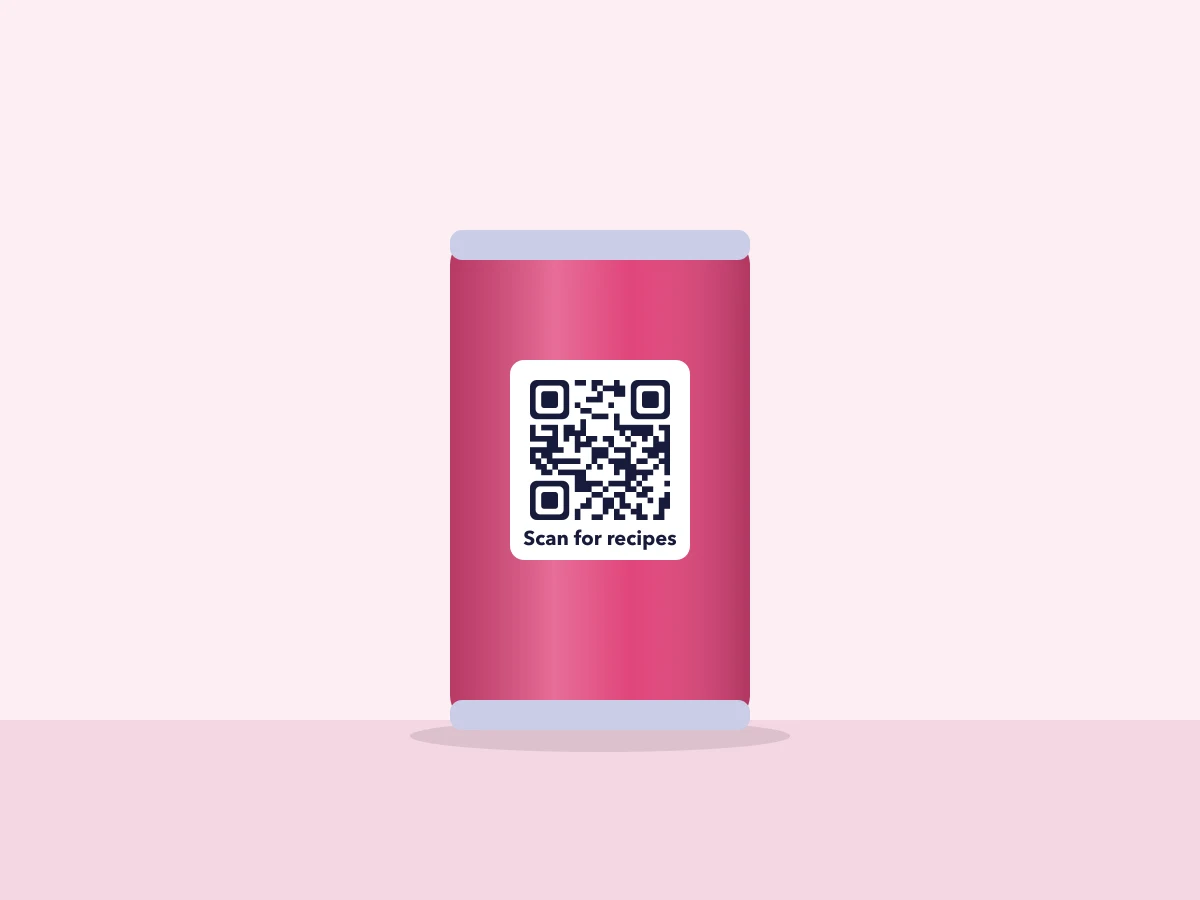
Cans: wide enough that the curve rarely limits a sensibly sized code. 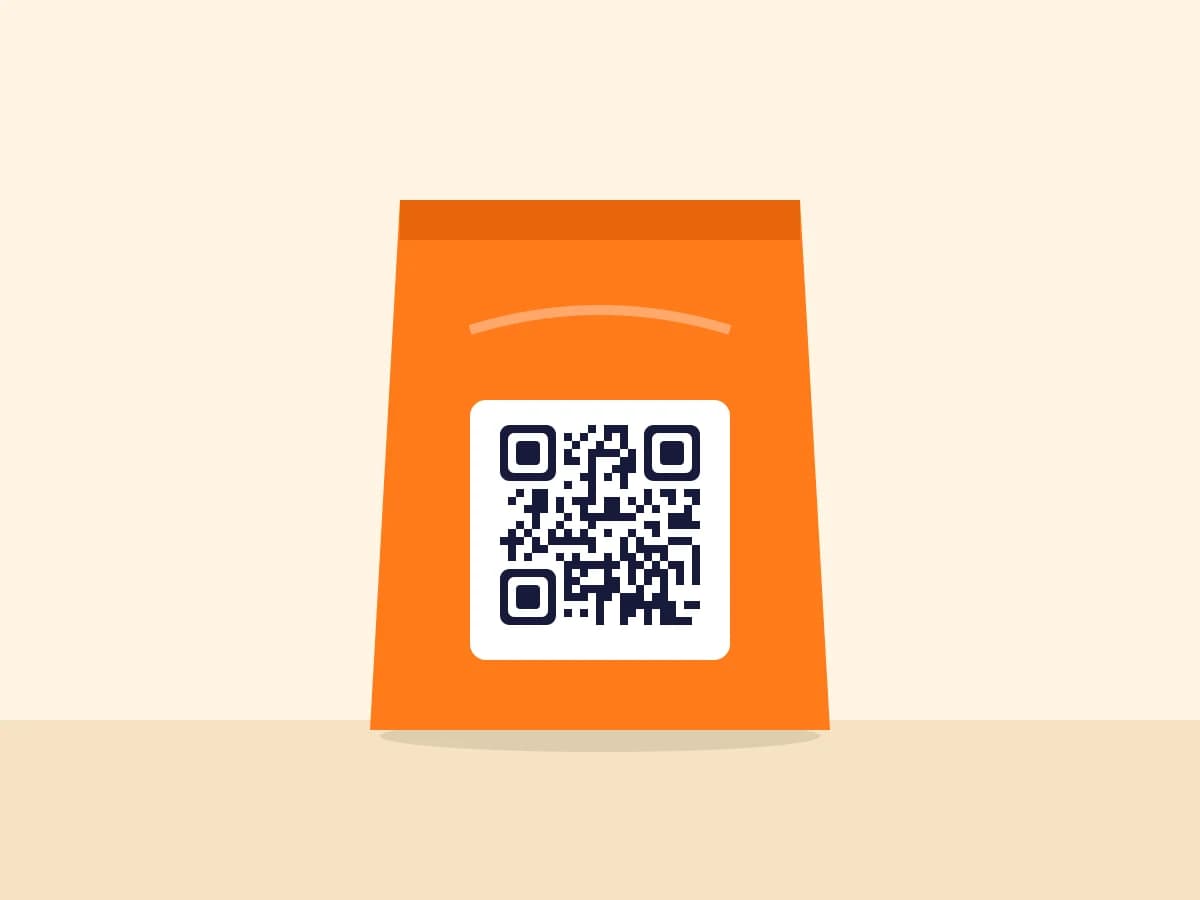
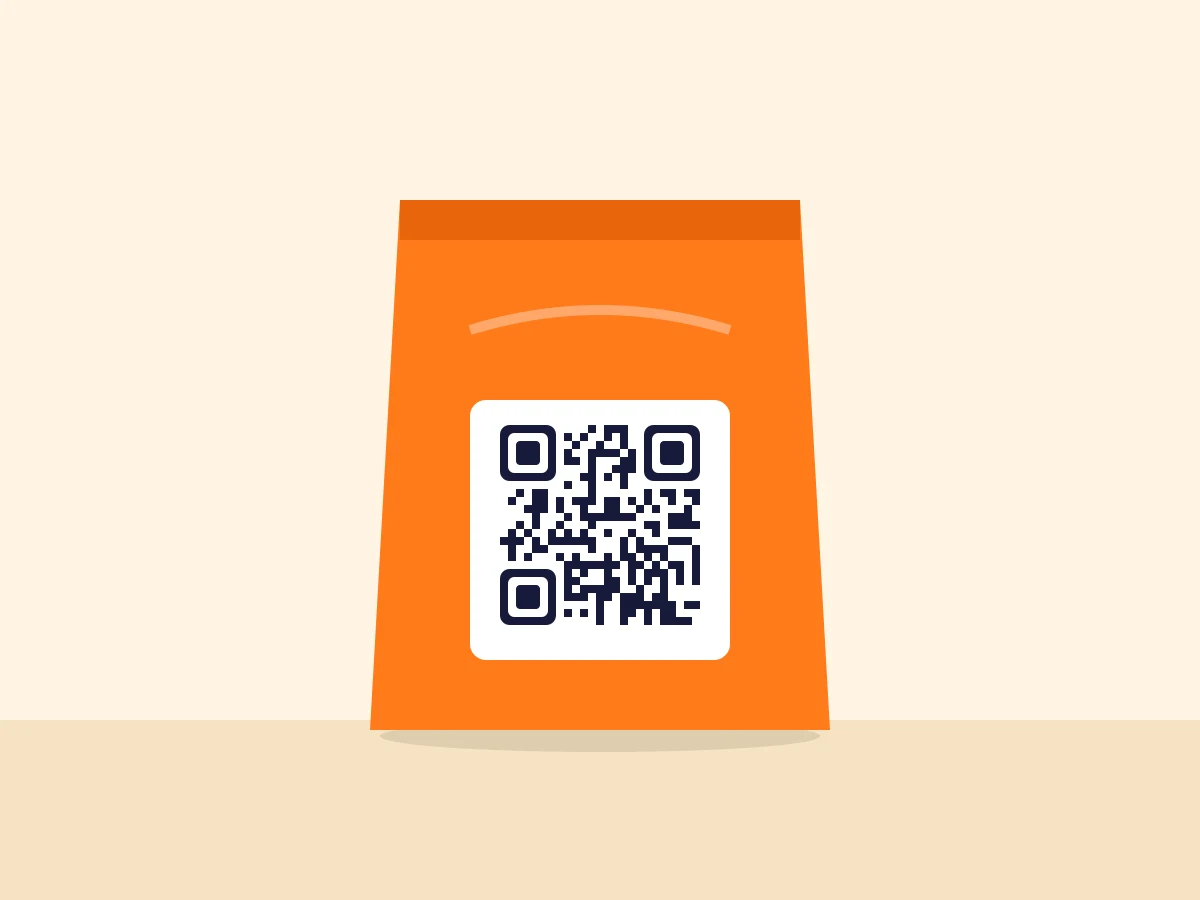
Pouches: flat-ish, but keep the code clear of seams and fold lines. 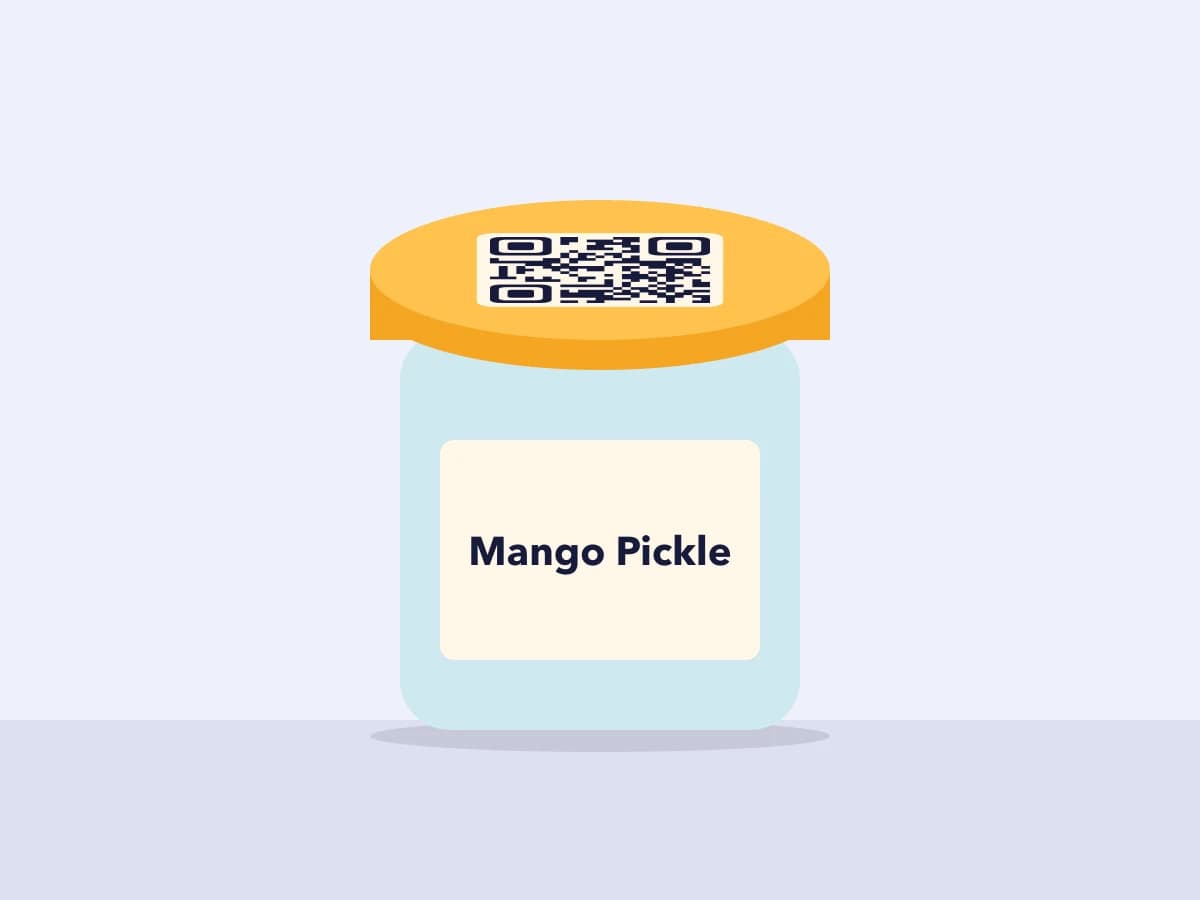
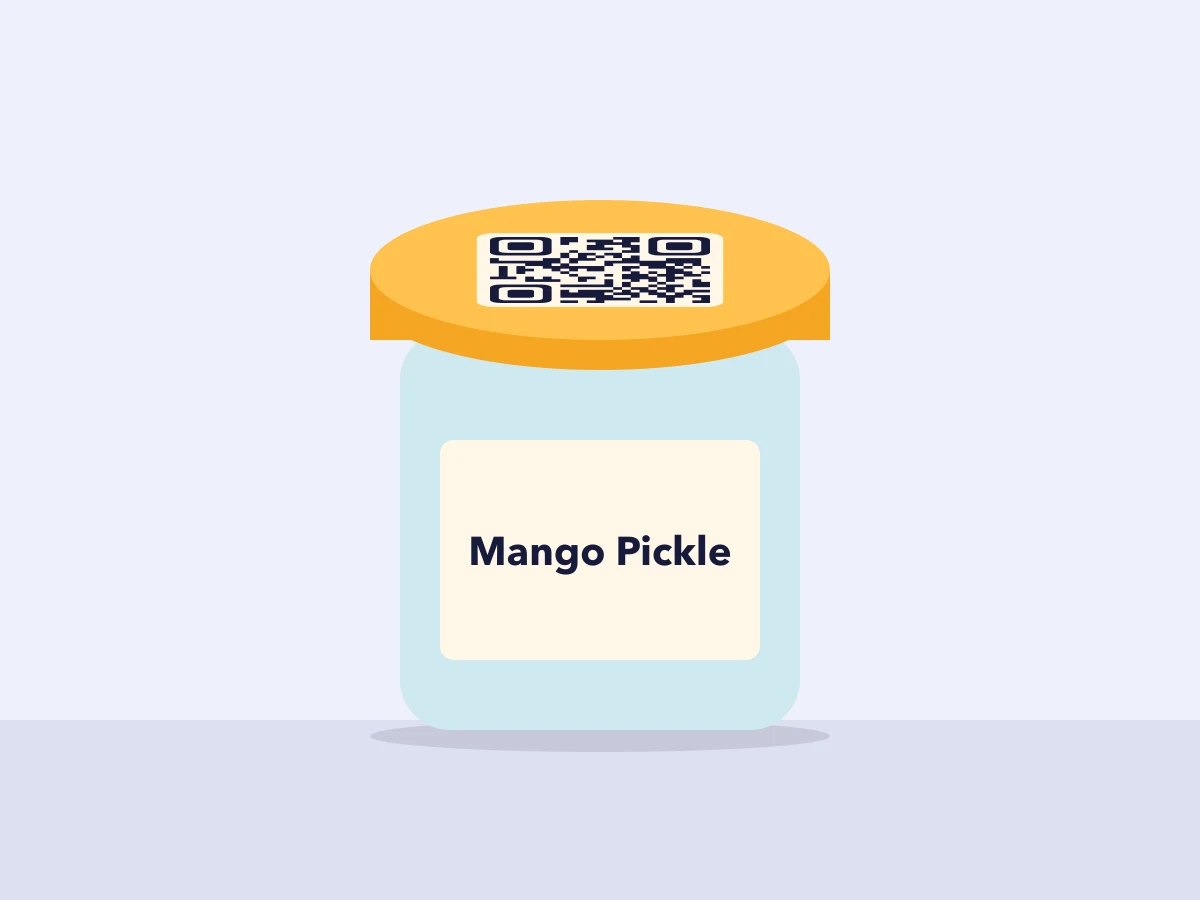
Jars: the lid is flat, which sidesteps the curve completely.
Before You Sign Off the Label
A quick check for the artwork stage:
- Code width, margin included, at or under three-quarters of the diameter.
- Placed on the straightest part of the body, away from the shoulder and the base.
- Level M unless the pack really gets scuffed.
- A dynamic QR code, so you can change the page later without changing the label.
- One printed sample, stuck on the actual bottle and scanned with a couple of phones.
Test It on the Real Bottle
Numbers from a test only get you close. Before the full run, wrap a printed proof around the real bottle and scan it the way a shopper would, standing at the shelf. If it hesitates, make the code narrower or move it somewhere flatter.
Frequently Asked Questions
Can I put the QR code on the bottle cap instead?
Yes, and on a thin bottle it's often the better spot, because the top of the cap is flat. Space is the limit, though. Measure the flat area first and make sure the code, margin included, still fits at a size people can scan.
What about shrink sleeves that wrap the whole bottle?
We didn't test sleeves, and they add a problem of their own: the film shrinks unevenly around the shoulder and neck. Keep the code on the straight part of the body, ask your printer how they handle artwork distortion for the sleeve, and scan a finished, shrunk sample.
Does a shorter link help a code fit a small bottle?
Usually, yes. A shorter link needs fewer squares, so at the same printed width each square is bigger and easier to read. A dynamic code always prints a short link, which is one reason it suits small packs.
Does it matter which way up the code sits on the bottle?
No. Phones read QR codes at any rotation, and because the code is square the curve affects it the same way whichever way it faces. What matters is how much of the bottle's width it covers.
Related Topics
- #qr-code-on-bottles
- #qr-code-curved-surface
- #qr-code-packaging
- #qr-code-label-size
- #qr-code-error-correction
ZetaQR Team
EditorialWriting on dynamic QR code technology, physical-to-digital attribution, and print campaign telemetry at ZetaQR.