For events & experiences
Make every event interaction count.
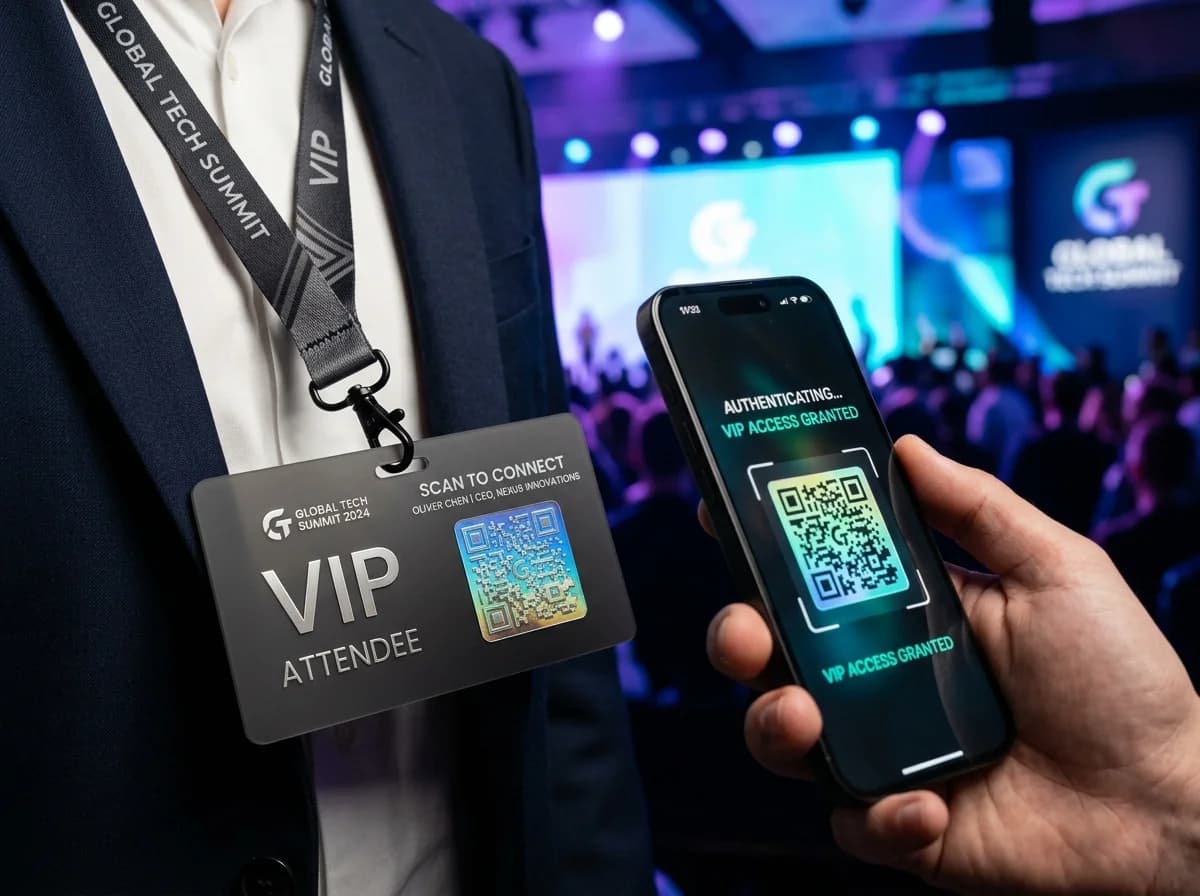
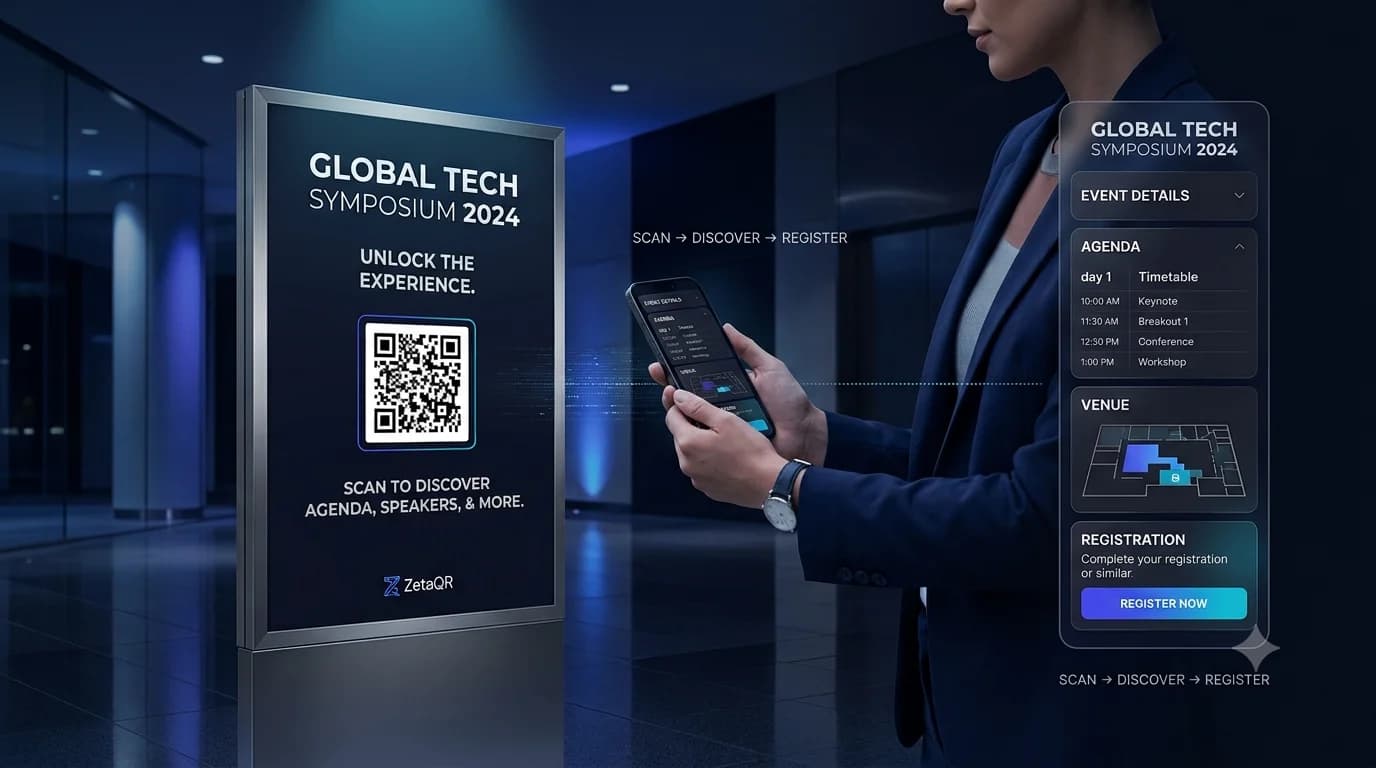
Put the agenda, the venue map and the speaker slides one scan away, and change them on the day without reprinting badges or signs.
- Agendas you can change
- No event app needed
- Sponsor scans counted
Example business · demo content
Where it works
From the entrance to the after-party.
Put codes where people look and send them to what they need right now.
Agendas and maps
Schedules and room changes that stay current.
Badges
A code on every badge that opens the agenda.
Slides and downloads
Speaker decks and PDFs on attendees' phones.
Sponsor booths
Each sponsor gets its own code and scan count.
How it works
Up and running in three steps.
- 1
Pick the destination
Your event page, an agenda PDF or a venue map.
- 2
Print badges and signs
Add codes to badges, posters, lanyards and stands.
- 3
Update on the day
Session moved? Change the link and every printed code follows.
Measure
See which sessions and booths draw a crowd.
Every badge, poster and booth code is counted, so you can see where people went.
- Scans by session and booth
- Busy times through the day
- CSV export for sponsor reports
Scan analytics
Demo / Example DataScans by hour
TodayTop locations
- 🇺🇸New York(New York, USA)1,842 (42%)
- 🇬🇧London(Greater London, UK)1,228 (28%)
- 🇯🇵Tokyo(Kanto, Japan)745 (17%)
- 🇩🇪Berlin(Berlin, Germany)570 (13%)
City-level location from the network, never GPS.
Devices
- iPhone58%
- Android36%
- Desktop6%
Top placements
- Front window poster41%
- Table cards33%
- Takeaway bags18%
- Instagram bio link8%
Recent scans
Live- New York · iPhone · Front window posterJust now
- London · Android · Table cards2 min ago
- Tokyo · iPhone · Takeaway bags6 min ago
Features
What event organizers get with ZetaQR.
Edit after printing
Change agendas and rooms without new badges.
No event app
Everything opens in the phone's browser.
Contact cards
Speakers and staff share details in one scan.
Short links
The same links for emails and slides.
Campaigns
One per sponsor, stage or day.
Scan analytics
Booth traffic and session interest.
Events & Experiences FAQ
Questions, answered.
What event organizers usually ask before getting started.
Give every attendee the right page at the right time.
Create an event QR code on the free plan and keep your agenda current all day.