For marketing teams
Make every campaign measurable.
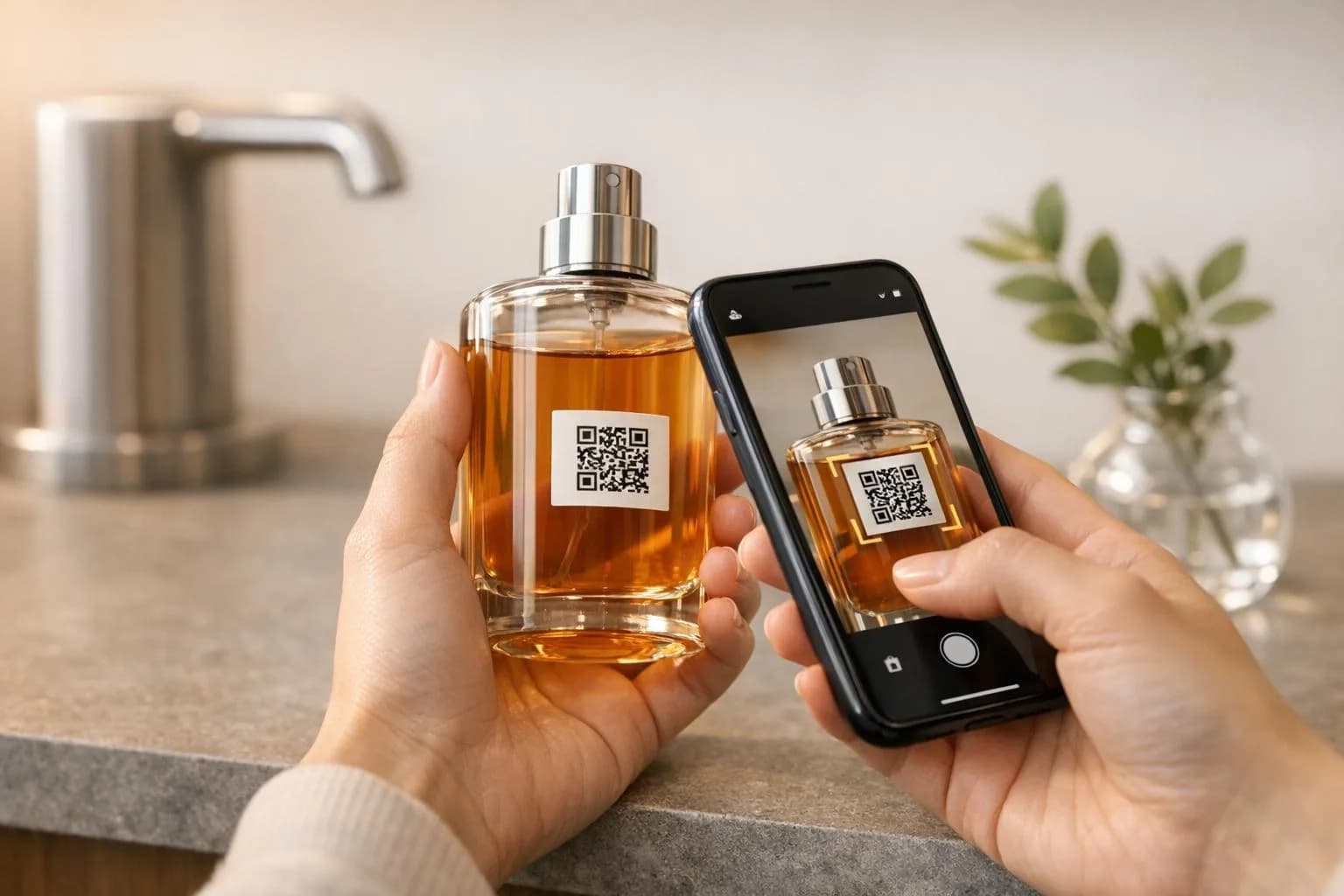
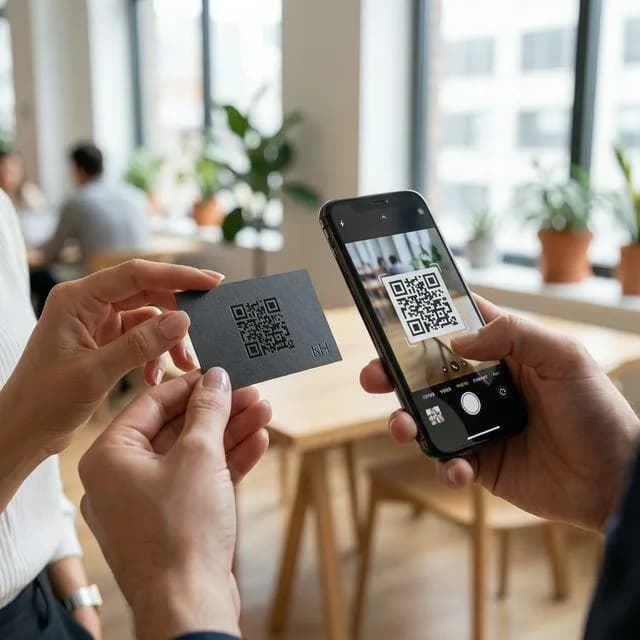
Give every poster, flyer and pack its own code, then see which ones people actually scan and change where they go without reprinting.
- Print and digital in one view
- UTM tags built in
- Change destinations any time
Example business · demo content
Where it works
Every offline channel, accounted for.
Print and outdoor can have numbers too.
Posters and OOH
Billboards, transit and window posters.
Print ads and mail
Magazines, inserts and direct mail.
Packaging promos
On-pack offers and competitions.
In-store activations
Displays, sampling and pop-ups.
How it works
Up and running in three steps.
- 1
Create a campaign
One campaign per launch, with a code for each placement.
- 2
Launch everywhere
Print the codes and share the matching short links.
- 3
Compare and adjust
See which placement worked and move the budget.
Measure
See which placement paid off.
Each placement gets its own code and UTM tags, so scans show up next to the rest of your traffic in Google Analytics.
- Scans per channel and placement
- UTM tags for Google Analytics
- CSV export for reporting
Scan analytics
Demo / Example DataScans by hour
TodayTop locations
- 🇺🇸New York(New York, USA)1,842 (42%)
- 🇬🇧London(Greater London, UK)1,228 (28%)
- 🇯🇵Tokyo(Kanto, Japan)745 (17%)
- 🇩🇪Berlin(Berlin, Germany)570 (13%)
City-level location from the network, never GPS.
Devices
- iPhone58%
- Android36%
- Desktop6%
Top placements
- Front window poster41%
- Table cards33%
- Takeaway bags18%
- Instagram bio link8%
Recent scans
Live- New York · iPhone · Front window posterJust now
- London · Android · Table cards2 min ago
- Tokyo · iPhone · Takeaway bags6 min ago
Features
What marketing teams get with ZetaQR.
UTM parameters
Clean source and medium in your analytics.
End dates
Set a code to expire when the promo does.
Edit after printing
Point a code at the new offer when the old one ends.
Short links
Matching links for email and social.
Campaigns
Group codes by quarter, channel or brand.
Print files
SVG, PNG, JPG and WebP downloads.
Marketing Teams FAQ
Questions, answered.
What marketing teams usually ask before getting started.
Give print the same numbers as digital.
Create your first campaign QR code on the free plan and see which placements pay off.