Campaigns
Turn QR codes into trackable campaigns.
A campaign holds every QR code and short link behind a launch. Print them everywhere, keep them in one place, and see which placement brought people in.
- QR codes and short links
- All in one place
- One report
Summer launch
Jun 1 – Aug 31
- Window posterStorefront1,240
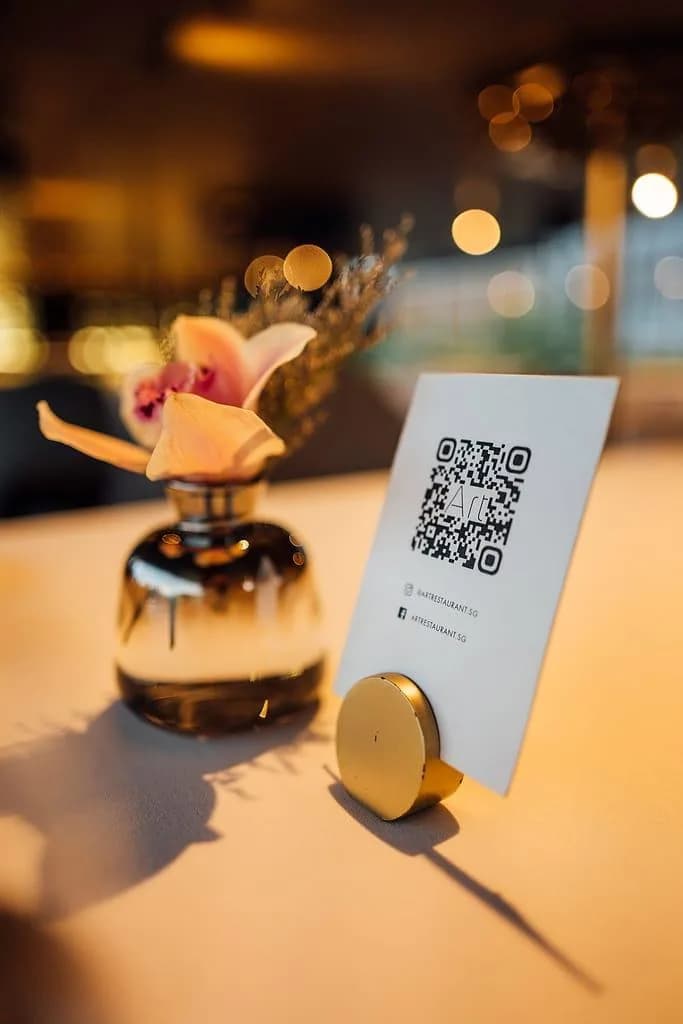
- Table cardsIn store986
- Takeaway bagsPackaging532
- Instagram bioSocial418
- NewsletterEmail207
See it in action
How a campaign works, in one example.
A restaurant launches a new menu. It puts a code in four places and keeps them together as one campaign. Try switching the menu.
Example: The Corner Bistro launches a new menu
Demo / Example Data1Printed and shared in 4 places
- Window posterQR code
- Table cardsQR code
- Takeaway bagsQR code
- Instagram bioShort link
2Grouped in one campaign
Summer menu
4 codes and links
Everything opens
One change updates every placement at once.
3Where people land
4Then you see which placement worked
- Window poster1,240
- Table cards986
- Takeaway bags532
- Instagram bio418
Step by step
Set up your first campaign.
- 1
Create the campaign
Name it after the launch, for example “Summer menu”.
- 2
Add one code per place
Window poster, table cards, takeaway bags, plus a short link for Instagram.
- 3
Print and share
Each placement gets its own code, all pointing to the same page.
- 4
Measure and update
See which placement worked, then point the codes at the next offer.
Why use a campaign
Separate codes vs. one campaign.
You could create four separate QR codes. Here's what changes when they live in one campaign.
Change the destination
Separate QR codes: Hunt through every code you've ever made to find the right ones.
One ZetaQR campaign: Every code and link for the launch, on one screen.
See what worked
Separate QR codes: Open each code's numbers and compare them yourself.
One ZetaQR campaign: One report with every placement side by side.
End a promotion
Separate QR codes: Keep track of the dates yourself.
One ZetaQR campaign: Start and end dates on the campaign itself.
Stay organised
Separate QR codes: A long list of codes with no context.
One ZetaQR campaign: A folder per launch, store, client or event.
Compare channels
See which channel actually delivered.
Because every placement has its own code or link, the campaign report shows exactly where people came from.
- Print and digital in one view
- Totals per placement and per day
- Export the report as CSV
Which placement works best?
Demo data- Front window poster41%
- Table cards33%
- Takeaway bags18%
- Instagram bio link8%
- The window poster drives 41% of scans, so it's worth reprinting bigger.
Features
Built for real launches.
Folders and tags
Organise by launch, store, client or batch.
One screen per launch
See and update every code for a launch on one screen.
Start and end dates
Record when each campaign starts and ends.
Expiry dates
Stop a code when an offer ends.
Downloads and reports
Print files and CSV scan reports.
Codes and links together
Physical and digital channels side by side.
Campaigns FAQ
Questions about campaigns.
Plain answers on grouping, editing, dates and teams.
Run your next launch as one campaign.
Group your codes and links, launch everywhere, and know which channel delivered.