For customer feedback
Turn every interaction into feedback.
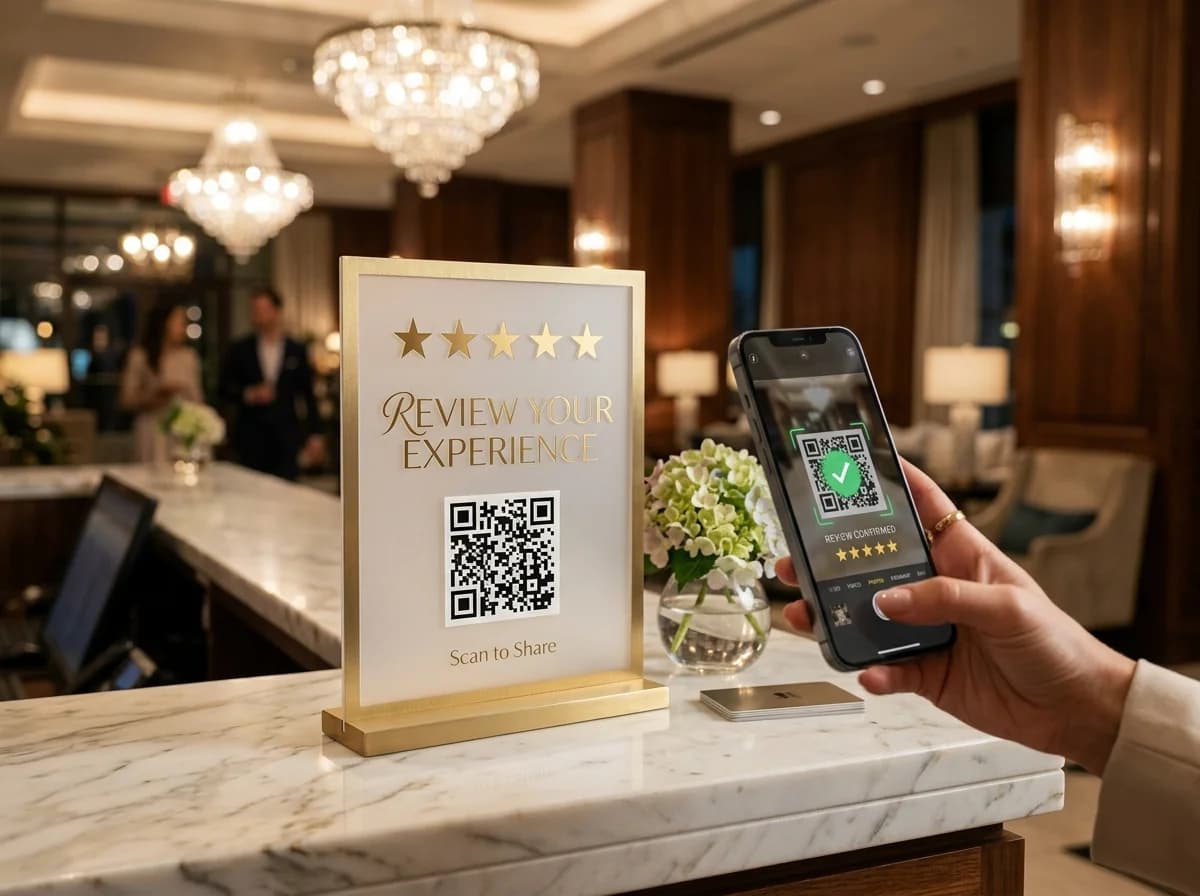
Put a code that opens your Google review page, or your own feedback form, right where customers finish their visit.
- Google review link
- One code per location
- Edit after printing
Example business · demo content
Where it works
Ask while the experience is fresh.
Put a code where customers finish their visit and make it easy to say something.
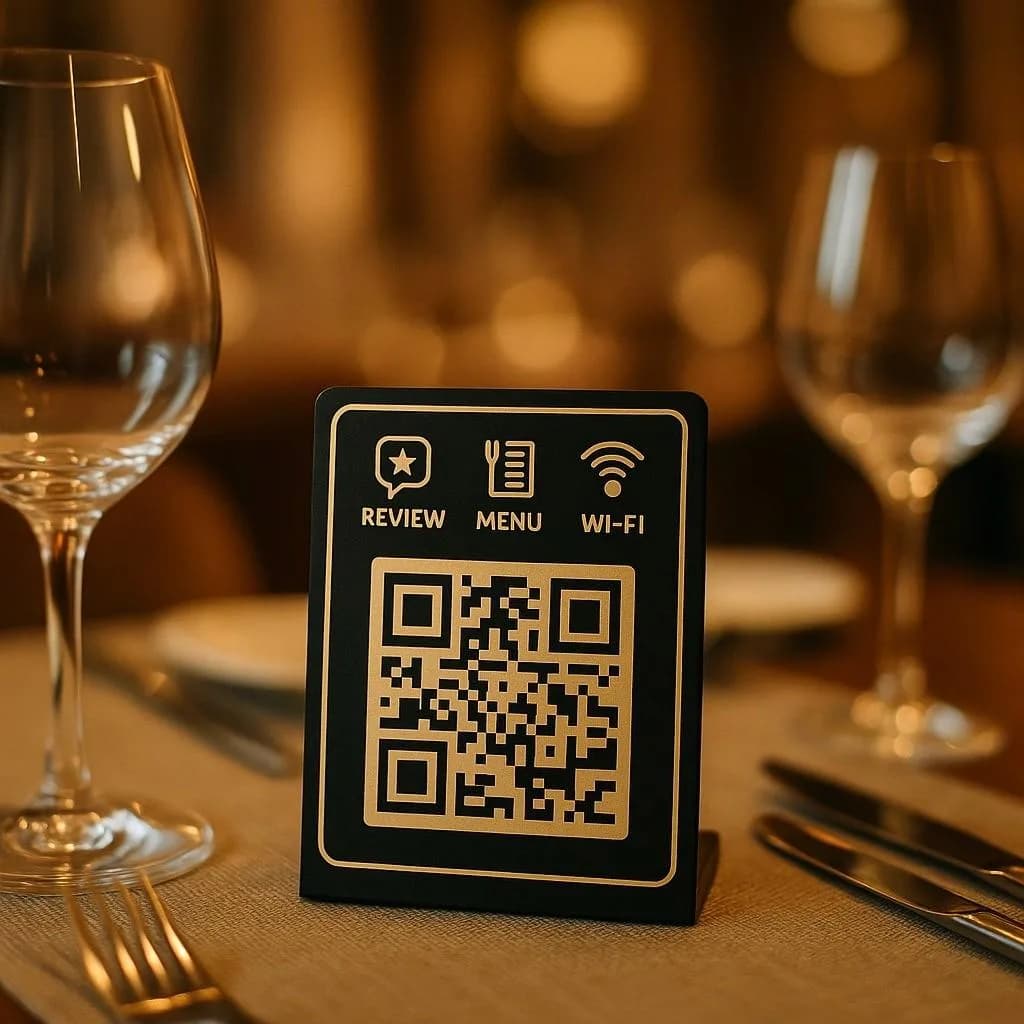
Tables and counters
Ask diners and shoppers before they leave.
Receipts and bags
Follow up after the purchase.
Rooms and front desks
Hear from guests during their stay.
Deliveries
A review link on the box when it arrives.
How it works
Up and running in three steps.
- 1
Add your review link
Your Google review page, or your own feedback form.
- 2
Place the code
On tables, receipts, counters or packaging.
- 3
See where it works
Compare scans by table, store or counter.
Measure
See where customers scan.
Give each table, register or location its own code so you know which spots get people talking.
- Scans by location
- Busy days and times
- Devices and cities
Scan analytics
Demo / Example DataScans by hour
TodayTop locations
- 🇺🇸New York(New York, USA)1,842 (42%)
- 🇬🇧London(Greater London, UK)1,228 (28%)
- 🇯🇵Tokyo(Kanto, Japan)745 (17%)
- 🇩🇪Berlin(Berlin, Germany)570 (13%)
City-level location from the network, never GPS.
Devices
- iPhone58%
- Android36%
- Desktop6%
Top placements
- Front window poster41%
- Table cards33%
- Takeaway bags18%
- Instagram bio link8%
Recent scans
Live- New York · iPhone · Front window posterJust now
- London · Android · Table cards2 min ago
- Tokyo · iPhone · Takeaway bags6 min ago
Features
What customer-facing teams get with ZetaQR.
Google review link
One scan to your public review page.
No app or login
Opens in the phone's browser.
One code per spot
Know which table, register or store it was.
Your own survey
Point the code at the form you already use.
Edit after printing
Switch platforms without new signs.
Scan analytics
Scan volume and timing.
Customer Feedback FAQ
Questions, answered.
What customer-facing teams usually ask before getting started.
Hear from customers before they leave.
Create a review QR code on the free plan and put it where your customers already are.