For product packaging
Give every product a digital connection.
Put the manual, the warranty page and your reorder link behind one code on the pack. When something changes after printing, you change the destination, not the packaging.
- Update after printing
- Vector files for dielines
- Track by batch or region
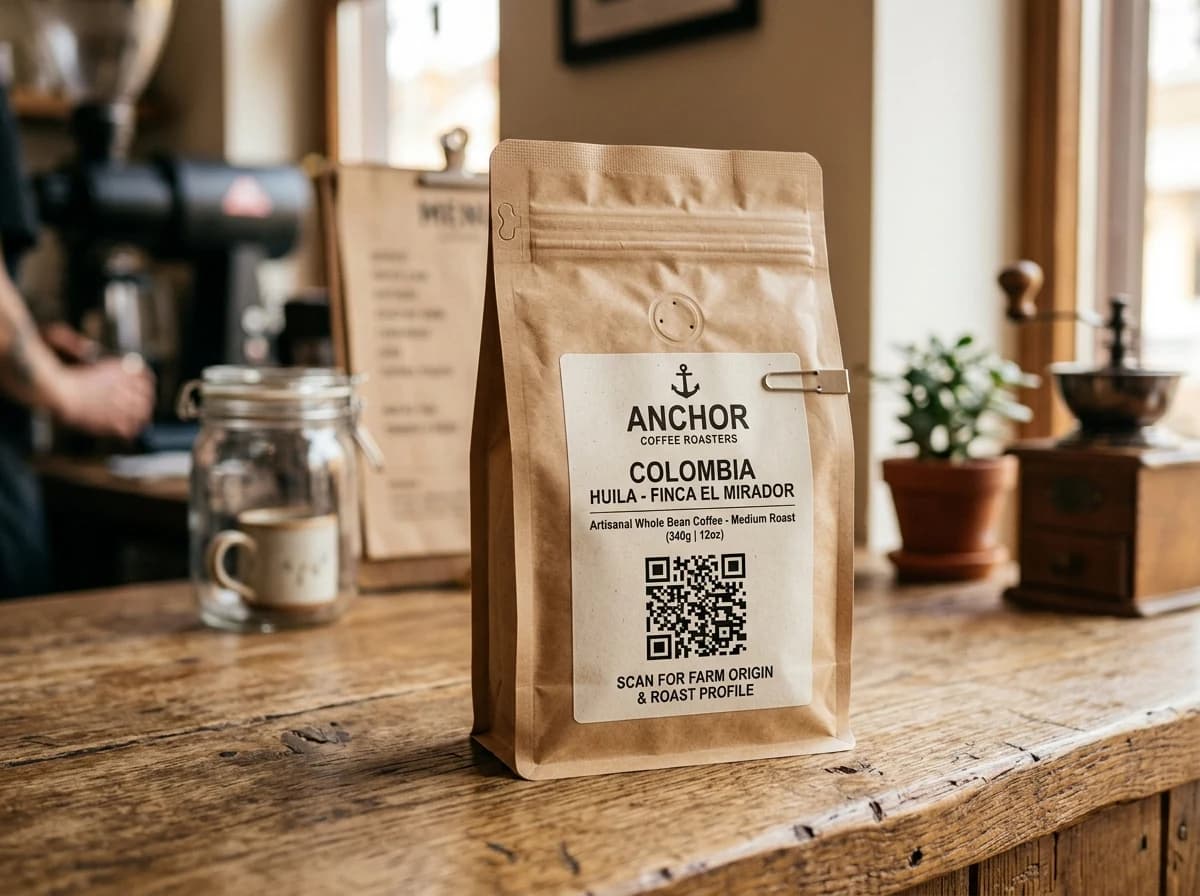
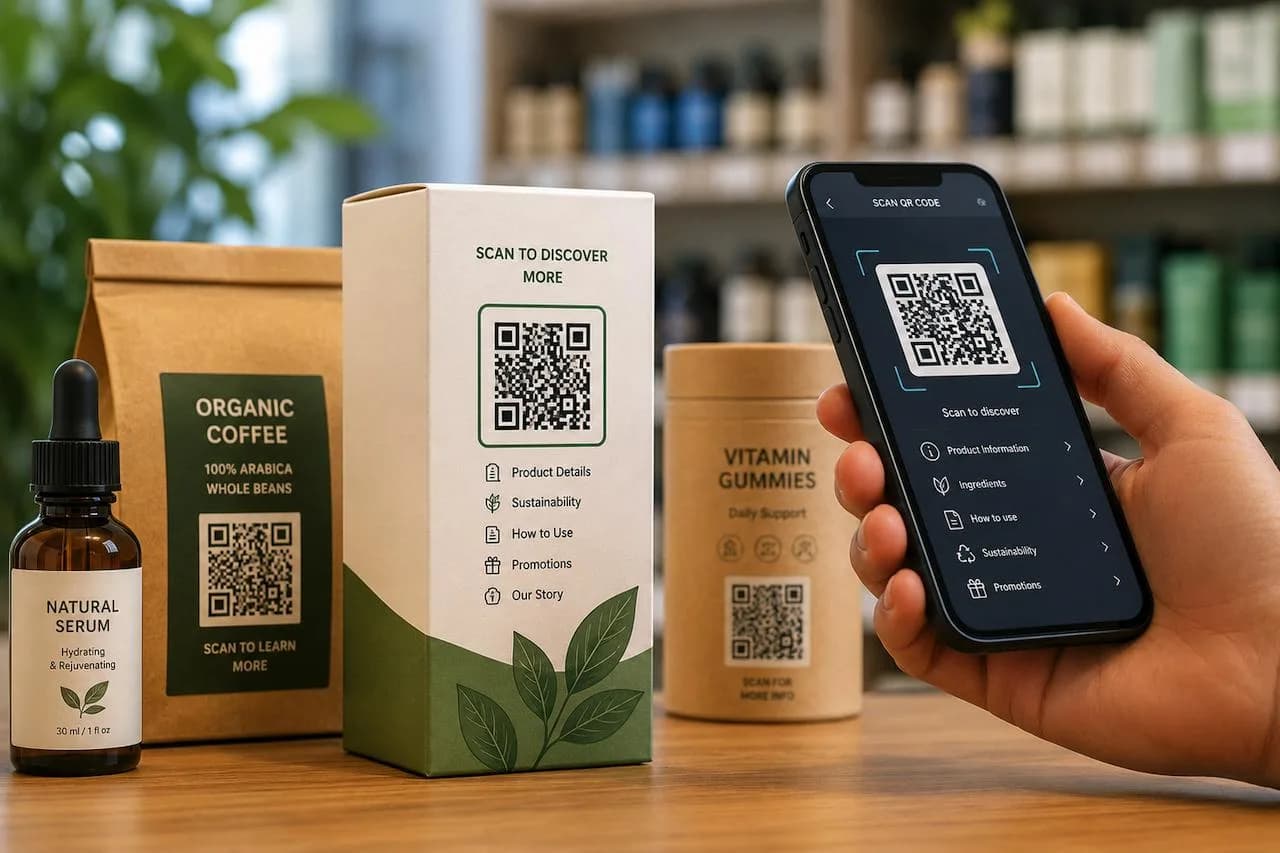
Example business · demo content
Where it works
Everything the box can't fit.
The pack has a few square centimetres. The code has as much room as you need.
Guides and manuals
Swap the paper leaflet for an up-to-date PDF.
Warranty registration
Send buyers to your warranty page right after unboxing.
Origin and recycling
Ingredients, sourcing and disposal info.
Reorder links
One scan back to your store or reseller.
How it works
Up and running in three steps.
- 1
Design the code
Add your brand colors and download an SVG for the dieline.
- 2
Print on the pack
Front, back or inside the lid, at least 20 × 20 mm.
- 3
Update for every batch
Change the guide or offer without new packaging.
Measure
See which batch and region scans most.
Give each production run, SKU or retailer its own code and compare how often buyers scan.
- Scans by batch, SKU or retailer
- Top countries and cities
- Scan trends over time
Scan analytics
Demo / Example DataScans by hour
TodayTop locations
- 🇺🇸New York(New York, USA)1,842 (42%)
- 🇬🇧London(Greater London, UK)1,228 (28%)
- 🇯🇵Tokyo(Kanto, Japan)745 (17%)
- 🇩🇪Berlin(Berlin, Germany)570 (13%)
City-level location from the network, never GPS.
Devices
- iPhone58%
- Android36%
- Desktop6%
Top placements
- Front window poster41%
- Table cards33%
- Takeaway bags18%
- Instagram bio link8%
Recent scans
Live- New York · iPhone · Front window posterJust now
- London · Android · Table cards2 min ago
- Tokyo · iPhone · Takeaway bags6 min ago
Features
What packaging teams get with ZetaQR.
PNG, SVG, JPG & WebP
SVG for dielines, plus PNG, JPG and WebP (paid plans).
High error correction
Level H helps codes survive curves and scuffs.
Edit after printing
New manual? Upload it. The pack stays the same.
Any destination
Your site, a PDF, or your reseller's page.
Organised by batch
A campaign per run, SKU or retailer.
Scan analytics
Scans by region, device and date.
Product Packaging FAQ
Questions, answered.
What packaging teams usually ask before getting started.
More solutions
See how others use ZetaQR.
Make your packaging work after the sale.
Create a packaging QR code on the free plan and keep it up to date for every batch.