For agencies
Run smarter QR campaigns for every client.
Keep each client's codes and short links in their own campaigns, hand printers clean SVG files, and show clients real scan numbers.
- A campaign per client
- Vector files for print
- Reports clients understand
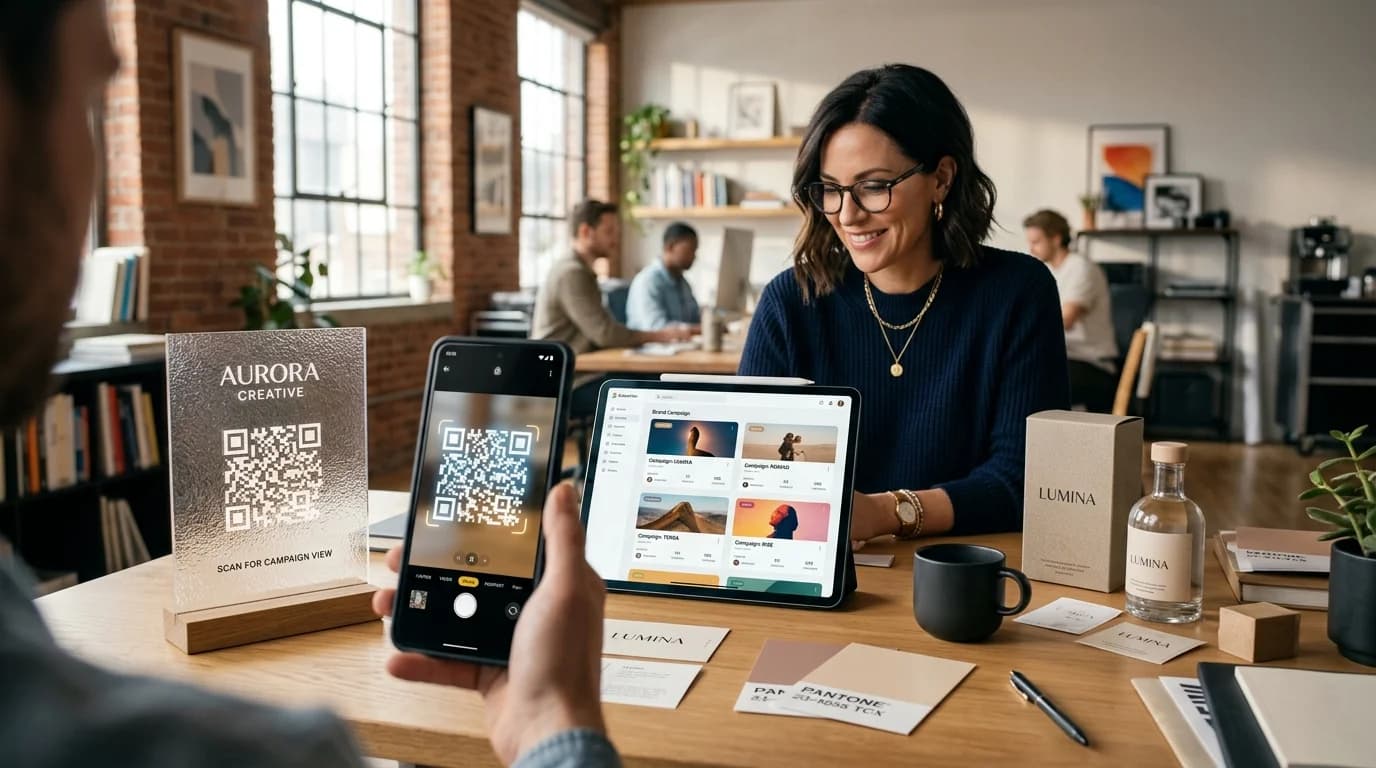
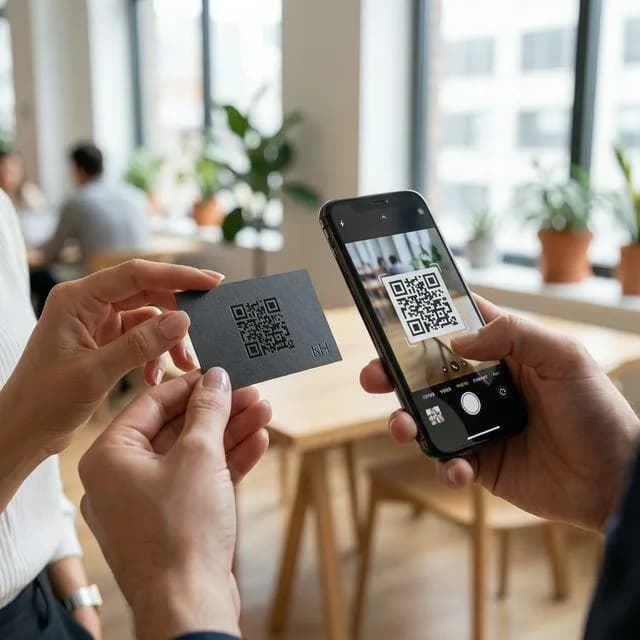
Example business · demo content
Where it works
One place for every client.
Keep each client's codes, links and results tidy, so reporting is the easy part.
Client campaigns
Codes and results grouped per client.
Client domains
Branded short domains per client.
Print-ready delivery
Vector files for printers and designers.
Results reporting
CSV exports for client decks.
How it works
Up and running in three steps.
- 1
Set up the client
Create a campaign for the client and their launch.
- 2
Build the campaign
A code and short link for every placement.
- 3
Report the results
Export scan data and show what the print did.
Measure
Show clients what their print delivered.
Scans by placement, time, city and device, ready to export for the monthly report.
- Per-campaign results
- CSV exports
- UTM tags for their analytics
Scan analytics
Demo / Example DataScans by hour
TodayTop locations
- 🇺🇸New York(New York, USA)1,842 (42%)
- 🇬🇧London(Greater London, UK)1,228 (28%)
- 🇯🇵Tokyo(Kanto, Japan)745 (17%)
- 🇩🇪Berlin(Berlin, Germany)570 (13%)
City-level location from the network, never GPS.
Devices
- iPhone58%
- Android36%
- Desktop6%
Top placements
- Front window poster41%
- Table cards33%
- Takeaway bags18%
- Instagram bio link8%
Recent scans
Live- New York · iPhone · Front window posterJust now
- London · Android · Table cards2 min ago
- Tokyo · iPhone · Takeaway bags6 min ago
Features
What agencies get with ZetaQR.
Campaigns per client
Codes and results kept apart.
Custom domains
go.clientbrand.com style short links.
PNG, SVG, JPG & WebP
For packaging, billboards, displays and web.
UTM tags
Scans land in the client's own analytics.
Edit after printing
Client changed their mind? Change the link.
CSV exports
Raw numbers for client decks.
Agencies FAQ
Questions, answered.
What agencies usually ask before getting started.
Make QR campaigns the easy part of the retainer.
Set up your first client campaign on the free plan and show results clients understand.