For restaurants
Turn every table into a digital touchpoint.
Put your menu, today's specials and a Google review link one scan away, and change any of it without reprinting a single table card.
- Menus you can swap any time
- No app for guests
- Google review link built in
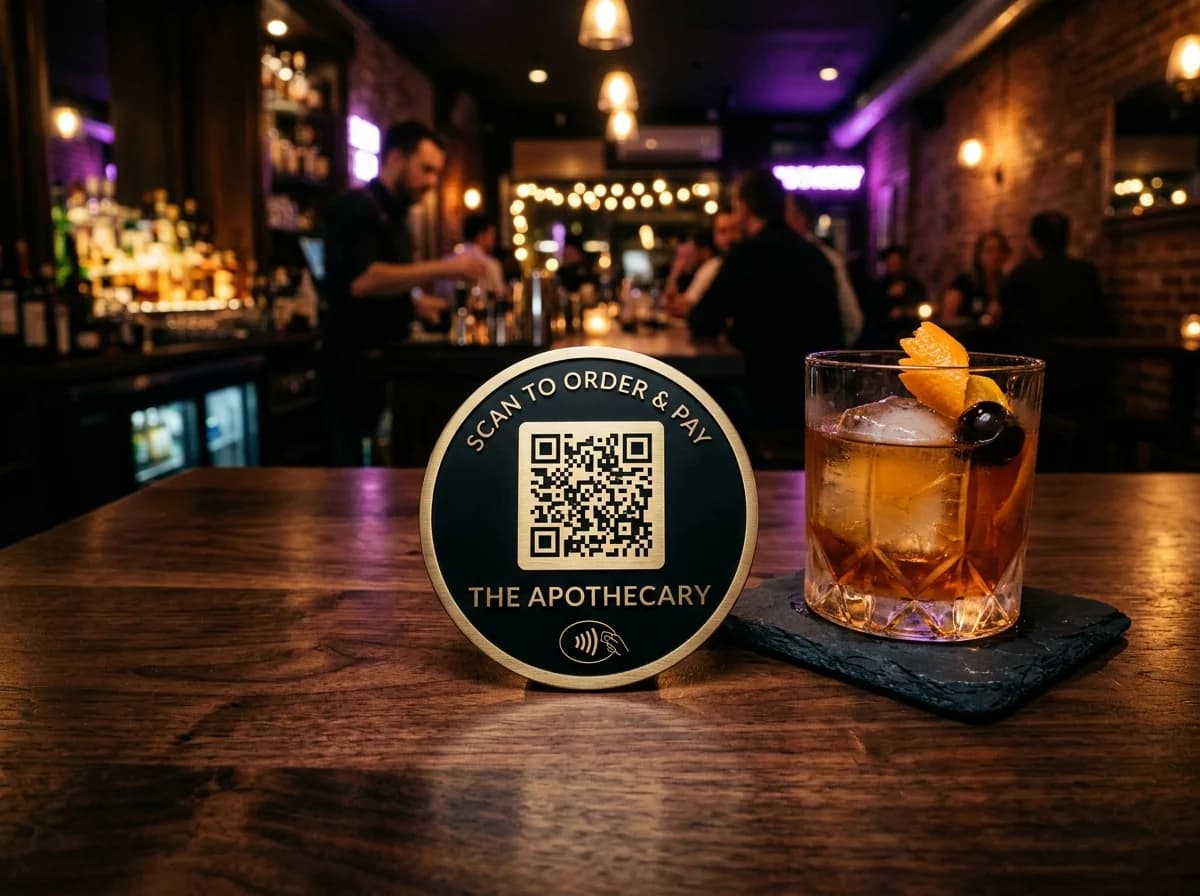
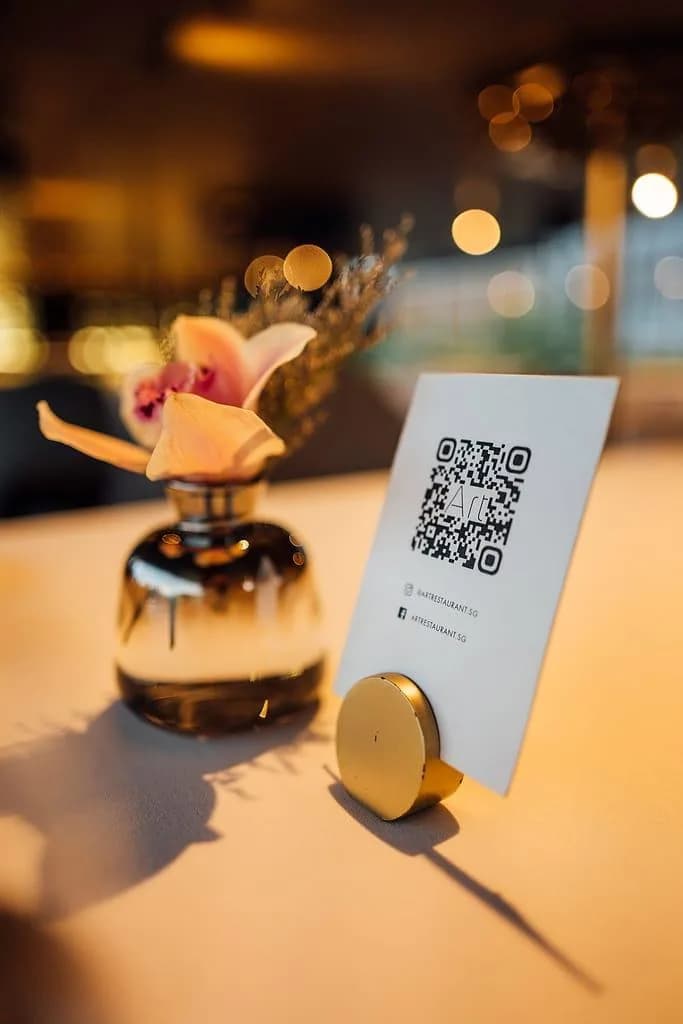
Example business · demo content
Where it works
Every spot a guest might scan.
One code on the table, pointing wherever helps most this week.
Table menus
Upload the new menu and the same cards show it.
Specials and offers
Point a code at today's special or happy hour.
Review requests
Ask guests for a Google review before they leave.
Wi-Fi and info
Wi-Fi details, opening hours and allergens on one page.
How it works
Up and running in three steps.
- 1
Add your menu
Upload your menu as a PDF or link to the one on your website.
- 2
Print table cards
Download the code and put it on stands, coasters or receipts.
- 3
Swap it any time
New prices or a new season? Upload the new file. The cards stay.
Measure
Know when guests actually scan.
See your busiest hours and which tables scan most, so you can plan staff and specials around real numbers.
- Scans by hour and day
- Compare tables, bar and takeaway
- Phones and locations
Scan analytics
Demo / Example DataScans by hour
TodayTop locations
- 🇺🇸New York(New York, USA)1,842 (42%)
- 🇬🇧London(Greater London, UK)1,228 (28%)
- 🇯🇵Tokyo(Kanto, Japan)745 (17%)
- 🇩🇪Berlin(Berlin, Germany)570 (13%)
City-level location from the network, never GPS.
Devices
- iPhone58%
- Android36%
- Desktop6%
Top placements
- Front window poster41%
- Table cards33%
- Takeaway bags18%
- Instagram bio link8%
Recent scans
Live- New York · iPhone · Front window posterJust now
- London · Android · Table cards2 min ago
- Tokyo · iPhone · Takeaway bags6 min ago
Features
What restaurants get with ZetaQR.
Edit after printing
Prices, dishes and specials change. The cards don't.
Lunch and dinner
Swap the menu file between services in a few clicks.
Google review link
A code that opens your Google review page.
No app needed
Guests scan with the phone camera they already use.
Your branding
Your logo and colors on the code.
Scan analytics
Busiest hours, devices and top tables.
Restaurants FAQ
Questions, answered.
What restaurants usually ask before getting started.
Put your menu one scan away.
Create a menu QR code on the free plan and update it whenever the kitchen does.