For retail & e-commerce
Connect every product to a digital experience.
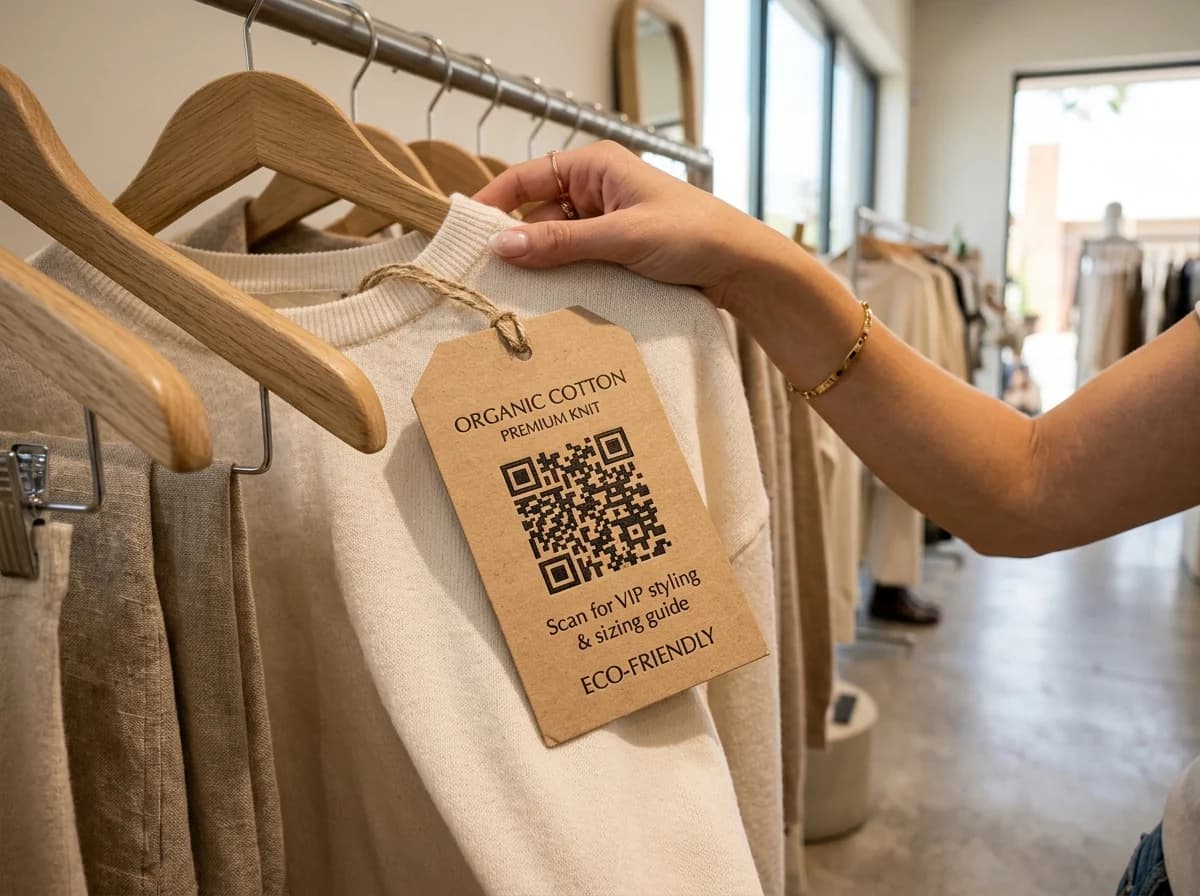
Put a code on tags, shelves and windows that opens your product page, a size guide or an offer, and change where it goes whenever you like.
- Shelf to online in one scan
- Change offers any time
- See which displays work
Example business · demo content
Where it works
Where shoppers scan.
Shelves, windows and bags can all point somewhere useful.
Shelf and displays
Product details, reviews and how-to videos.
Bags and receipts
Reorder links and next-visit offers.
Window offers
Send passers-by to your online shop after hours.
Size and care guides
A PDF size chart, no web page needed.
How it works
Up and running in three steps.
- 1
Pick the destination
Your product page, an offer, or a PDF size guide.
- 2
Print tags and signs
Add the code to hangtags, shelf talkers and windows.
- 3
Update and compare
Change the offer whenever you want and see which store scans most.
Measure
See which store and display drives scans.
Give each store, aisle or window its own code and compare them side by side.
- Scans per store and display
- Busiest shopping hours
- Devices and locations
Scan analytics
Demo / Example DataScans by hour
TodayTop locations
- 🇺🇸New York(New York, USA)1,842 (42%)
- 🇬🇧London(Greater London, UK)1,228 (28%)
- 🇯🇵Tokyo(Kanto, Japan)745 (17%)
- 🇩🇪Berlin(Berlin, Germany)570 (13%)
City-level location from the network, never GPS.
Devices
- iPhone58%
- Android36%
- Desktop6%
Top placements
- Front window poster41%
- Table cards33%
- Takeaway bags18%
- Instagram bio link8%
Recent scans
Live- New York · iPhone · Front window posterJust now
- London · Android · Table cards2 min ago
- Tokyo · iPhone · Takeaway bags6 min ago
Features
What retailers get with ZetaQR.
Edit after printing
Swap coupons and product pages without new tags.
Seasonal swaps
Point window codes at the new season's offer.
PDF guides
Upload a size or care guide and link to it.
Short links for online
Matching links for email, SMS and social.
Campaigns per store
Group codes by branch, season or display.
Scan analytics
Compare stores, aisles and windows.
Retail & E-commerce FAQ
Questions, answered.
What retailers usually ask before getting started.
Make every shelf a shortcut to the sale.
Create a retail QR code on the free plan and change the offer whenever you need to.