Dynamic QR codes
Dynamic QR codes for products, catalogs & menus.
Put dynamic QR codes on packaging, catalogs, menus and shop signs. When the catalog changes or dinner replaces lunch, you change the destination. The printed code stays exactly as it is.
- Products & Catalogs
- Restaurant Menus & Dining
- PNG, SVG, JPG & WebP export
Style your QR code
Interactive previewDestination
Frame Call-to-Action
Color
Matrix Style
SCAN FOR CATALOG
Products & Catalogs
Make every pack and catalog point somewhere useful.
Print a code on the pack, label or catalog page and send shoppers to a lookbook, a setup video, your warranty page or a reorder link. When the specs change, change the link instead of the packaging.
- Catalogs and lookbooks that change with each season
- Setup videos, manuals and ingredient info
- A reorder link straight to your shop
- SVG, PNG, JPG and WebP downloads with Level H error correction
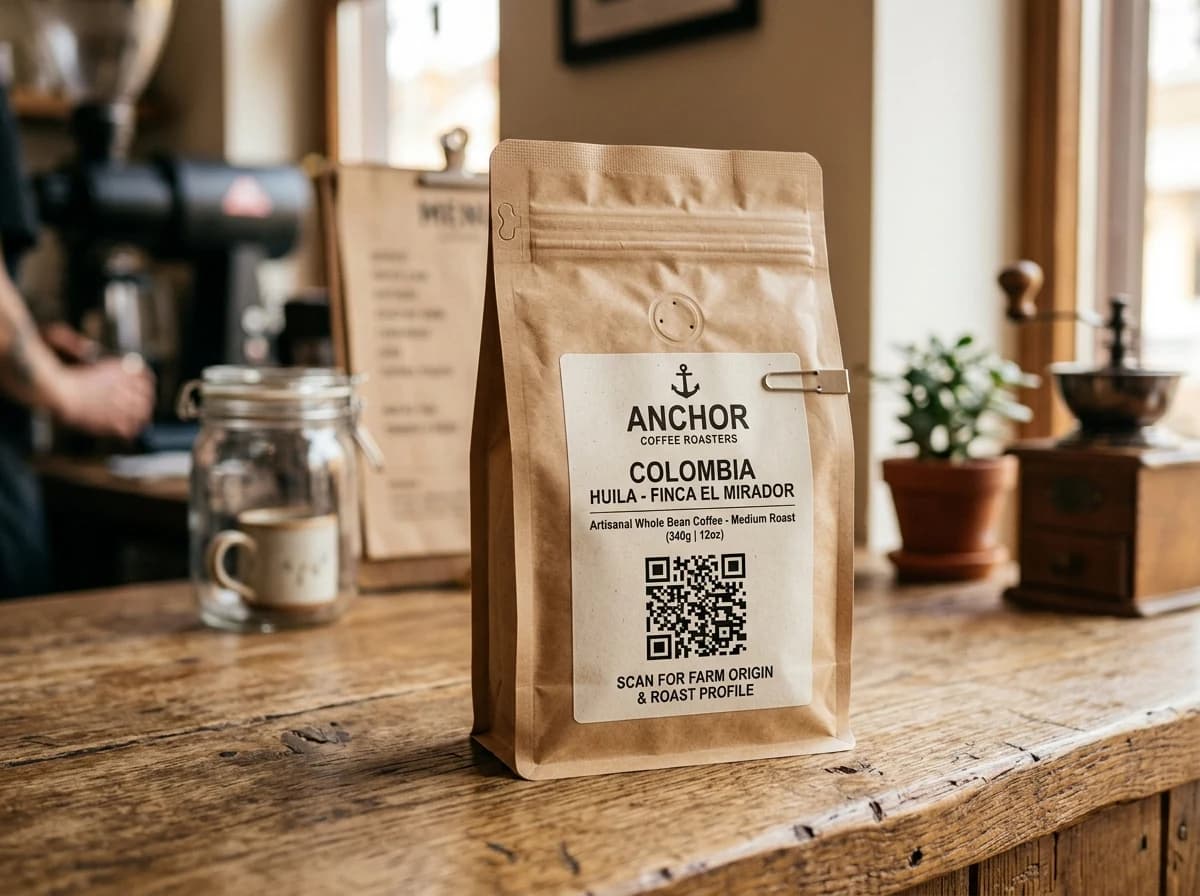
- Launch phase2026 Interactive Catalog & Lookbook
- UnboxingBatch 0892 Video Setup Guide
- Post-purchase1-Tap Reorder & Warranty
Restaurant Menus
Menus that change as fast as the kitchen does.
Put a code on table stands, coasters and receipts. Upload a new menu when prices or dishes change, and add a Google review code by the till. None of it needs new cards.
- Swap lunch for dinner by changing the menu file
- New prices without touching the printed stands
- A Google review code for guests on their way out
- Opens in the phone's browser, no app
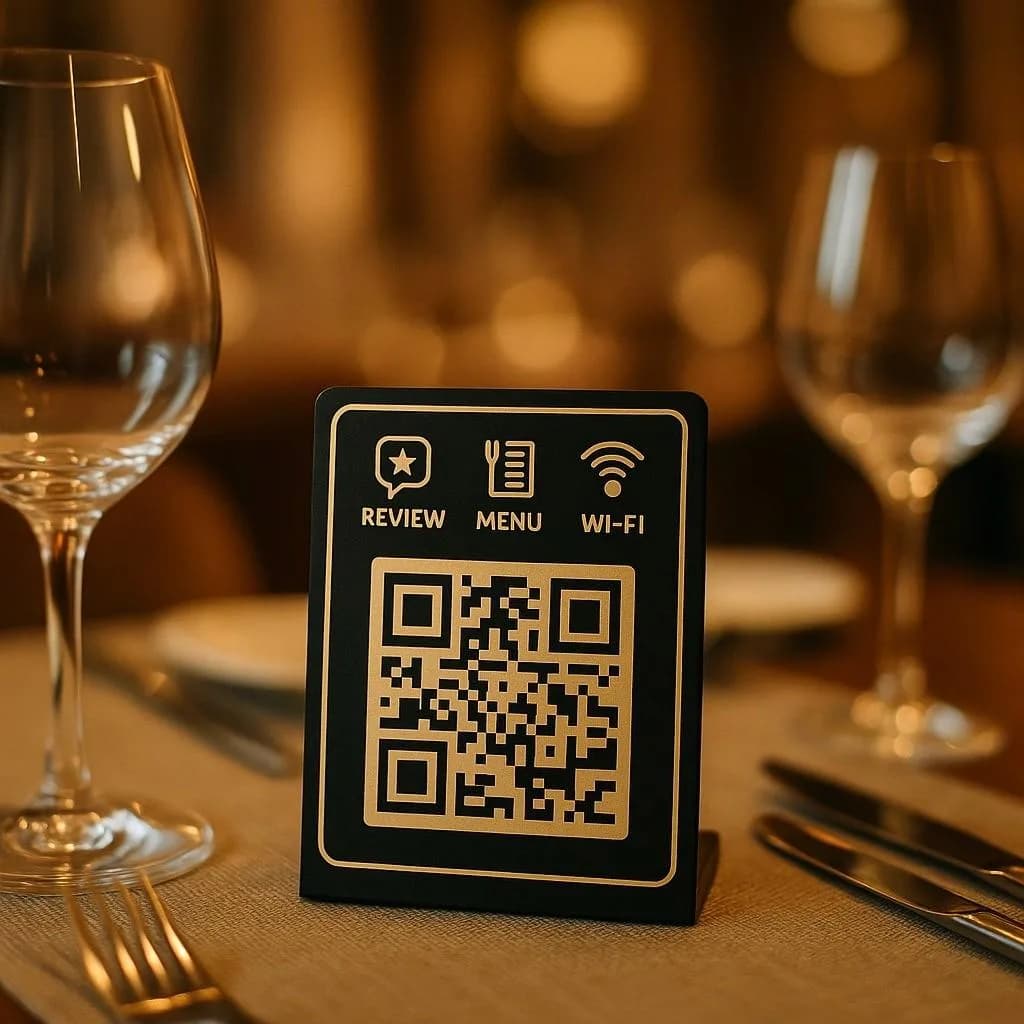
- Weekdays, 11amLunch menu
- Friday, 5pmHappy hour offer
- After the mealReview request
Destinations
Send each scan somewhere useful.
Point the code at any web page, your online shop, a PDF menu or catalog, a contact card or your Google review page.
- Any catalog, PDF lookbook or menu link you already have
- Upload a PDF menu or catalog if you don't have a web page
- Change the destination from your dashboard, no reprint
Pick a destination
Interactive previewWhen someone scans, open…
Or point the code at any website. Change it later without reprinting.
Built for print
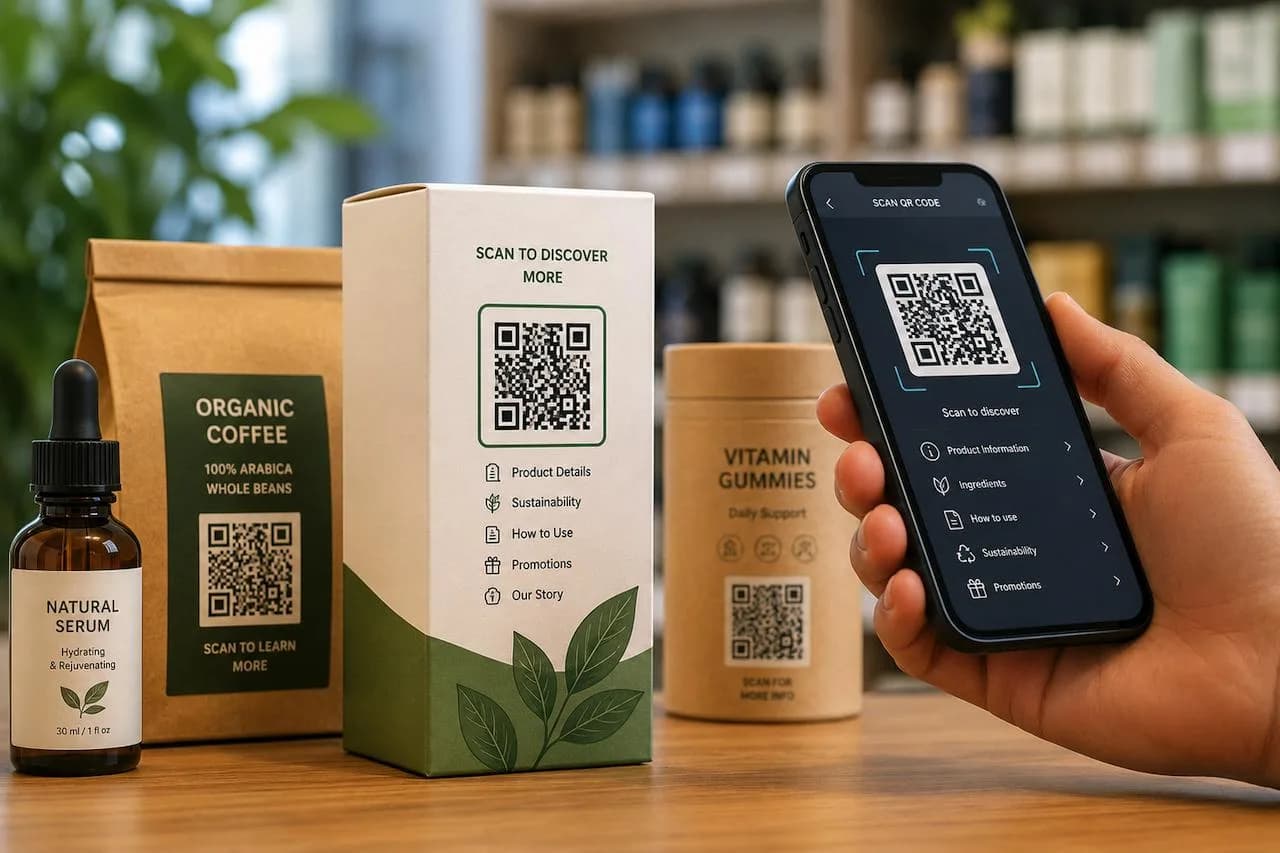
Made for dielines, catalog pages and dining tables.
What you need to print codes that scan, whether it's on 50 tables or 50,000 boxes.
Anatomy of a branded QR
Corner shapes, a logo in the middle and a frame with a call to action.
Scannability indicator
Warns you when your colours don't have enough contrast to scan reliably.
Print-ready vector & image export
SVG for print and packaging, plus PNG, JPG and WebP for screens.
Level H error correction
Codes can still be read with around 30% damaged, which helps on curved bottles and scuffed boxes.
Custom branded domains
Run your links on your own domain (like qr.yourbrand.com) so people recognise them.
Organized by batch & SKU
Group codes by product line, season or restaurant branch.
Analytics
See what happens after the scan.
See scans from packs, catalogs and menus by city, time of day and phone type. ZetaQR's own analytics don't use cookies.
- Packaging, catalog and table card scans side by side
- Busiest hours, including lunch and dinner peaks
- Top cities and countries, worked out without cookies
Scan analytics
Demo / Example DataScans by hour
TodayTop locations
- 🇺🇸New York(New York, USA)1,842 (42%)
- 🇬🇧London(Greater London, UK)1,228 (28%)
- 🇯🇵Tokyo(Kanto, Japan)745 (17%)
- 🇩🇪Berlin(Berlin, Germany)570 (13%)
City-level location from the network, never GPS.
Devices
- iPhone58%
- Android36%
- Desktop6%
Top placements
- Front window poster41%
- Table cards33%
- Takeaway bags18%
- Instagram bio link8%
Recent scans
Live- New York · iPhone · Front window posterJust now
- London · Android · Table cards2 min ago
- Tokyo · iPhone · Takeaway bags6 min ago
Getting started
Your dynamic QR code in three simple steps.
- 1
Choose a destination
Your catalog, a PDF menu or any web page.
- 2
Style & export QR files
Add your colours and logo, then download PNG, SVG, JPG or WebP.
- 3
Print once & update forever
50,000 packs or 50 tables. Change where they point from your dashboard.
Dynamic QR FAQ
Questions about dynamic QR codes.
Plain answers on packaging, catalogs, menus, file formats and print sizes.
Make your next print run your last reprint.
Create a dynamic QR code on the free plan and change where it leads whenever you need to.