For lead capture
Turn scans into qualified leads.
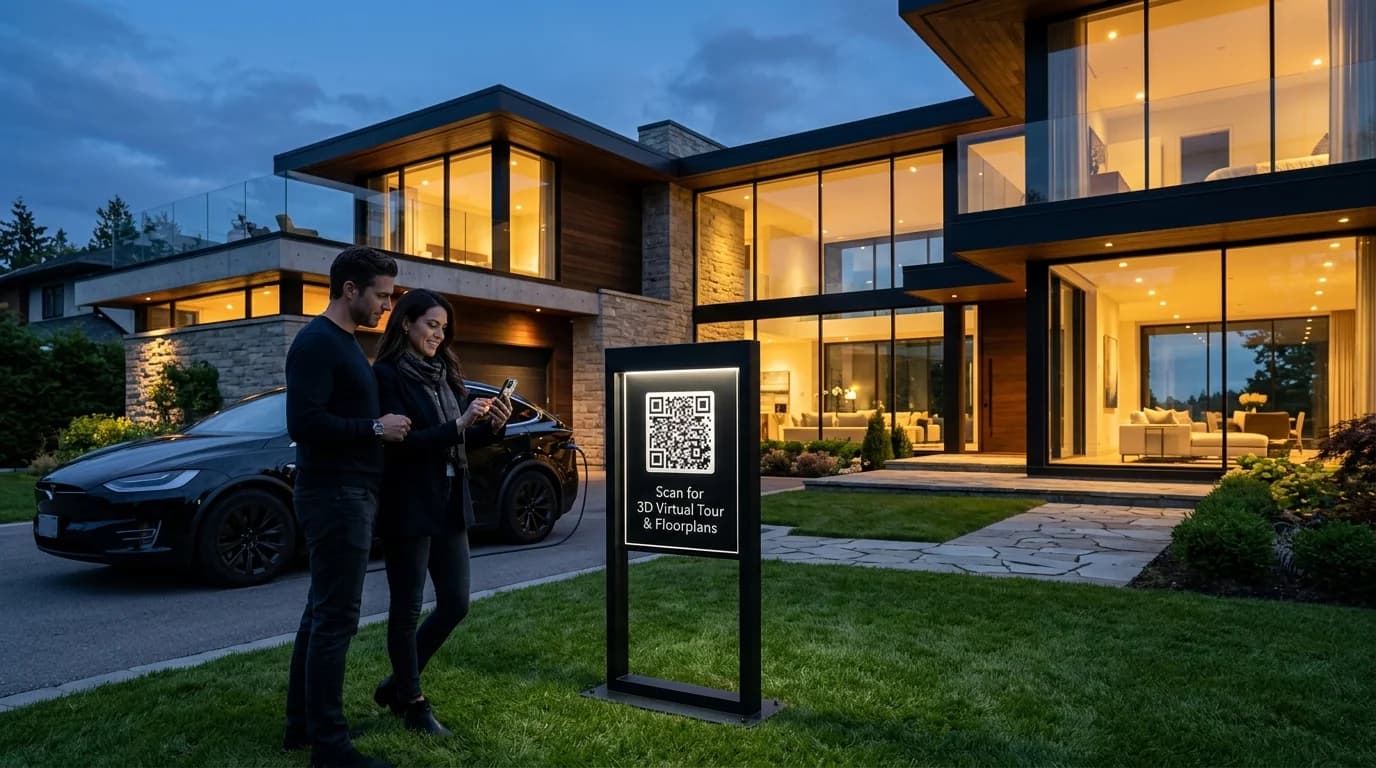
Let people save your details in one tap, or send them straight to your own enquiry form, from a business card, a booth or a property sign.
- Contact card in one tap
- No app needed
- Edit after printing
Example business · demo content
Where it works
Wherever you meet prospects.
Make it easy to get in touch the moment someone's interested.
Business cards
Your details saved to their phone, not lost in a pocket.
Trade show booths
Send visitors to your booking or demo page.
Flyers and brochures
Turn printed interest into a conversation.
Signs and listings
Viewing or valuation requests from the pavement.
How it works
Up and running in three steps.
- 1
Choose what opens
A contact card with your details, or your own enquiry form.
- 2
Print the code
On cards, booths, flyers or signs.
- 3
See what works
Each placement gets its own code and scan count.
Measure
Know which placement gets attention.
Give each card, booth or flyer its own code and see which one people actually scan.
- Scans per placement
- Best days and times
- CSV export for your reports
Scan analytics
Demo / Example DataScans by hour
TodayTop locations
- 🇺🇸New York(New York, USA)1,842 (42%)
- 🇬🇧London(Greater London, UK)1,228 (28%)
- 🇯🇵Tokyo(Kanto, Japan)745 (17%)
- 🇩🇪Berlin(Berlin, Germany)570 (13%)
City-level location from the network, never GPS.
Devices
- iPhone58%
- Android36%
- Desktop6%
Top placements
- Front window poster41%
- Table cards33%
- Takeaway bags18%
- Instagram bio link8%
Recent scans
Live- New York · iPhone · Front window posterJust now
- London · Android · Table cards2 min ago
- Tokyo · iPhone · Takeaway bags6 min ago
Features
What sales teams get with ZetaQR.
Contact cards
Name, phone, email and website saved in one tap.
Your own forms
Point the code at the enquiry form you already use.
UTM tags
See scans arrive in Google Analytics.
Brochure downloads
Link a PDF brochure or price list.
Edit after printing
Change the details or the offer without new print.
Scan analytics
See which placements get scanned.
Lead Capture FAQ
Questions, answered.
What sales teams usually ask before getting started.
More solutions
See how others use ZetaQR.
Stop losing interest at the booth.
Create a contact card QR on the free plan and make it easy for prospects to keep your details.