ZetaQR

How it works

How ZetaQR works.

Four steps from a blank page to a printed QR code you can update and measure. No developer, no app, no reprints.

  • Free plan available
  • Takes a few minutes
  • Change it after printing

1Step 1 of 4

Choose where it goes

Point your code at any website, or upload a PDF menu or fill in a contact card in a few minutes.

  • Link to any URL you already have
  • Hosted PDFs and contact cards if you don't have a page
  • No developer or website needed

Pick a destination

Interactive preview

When someone scans, open…

Or point the code at any website. Change it later without reprinting.
2Step 2 of 4

Design your code

Make the code look like your brand, then download a file your printer can use straight away.

  • Your colors, logo and a “scan me” frame
  • Vector SVG, plus PNG, JPG and WebP
  • High error correction, so styled codes still scan

Style your QR code

Interactive preview

Destination

artisanroasters.com/catalog

Frame Call-to-Action

Color

Matrix Style

Upload custom SVG/PNG logo

SCAN FOR CATALOG

Scannability 100% · High Contrast · Level H
PNGSVGJPGWebP

3Step 3 of 4

Print it anywhere

Put the same code on packaging, table cards, posters or business cards. You can even print before your page is finished.

  • Scales from a small sticker to a large poster
  • Works with the phone camera people already use
  • One code can stay in print for years

Where your code lives

Real placements
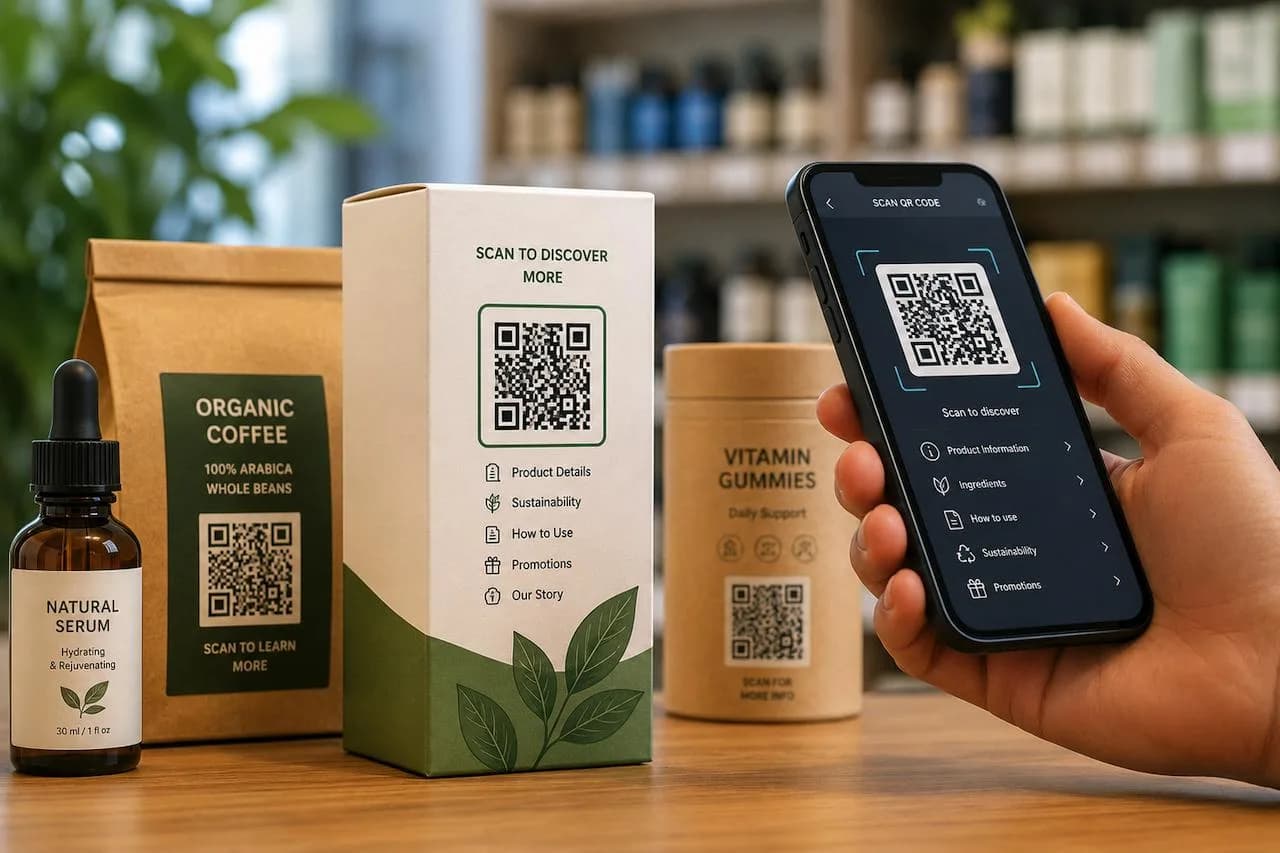
QR code on product packaging being scanned
Packaging
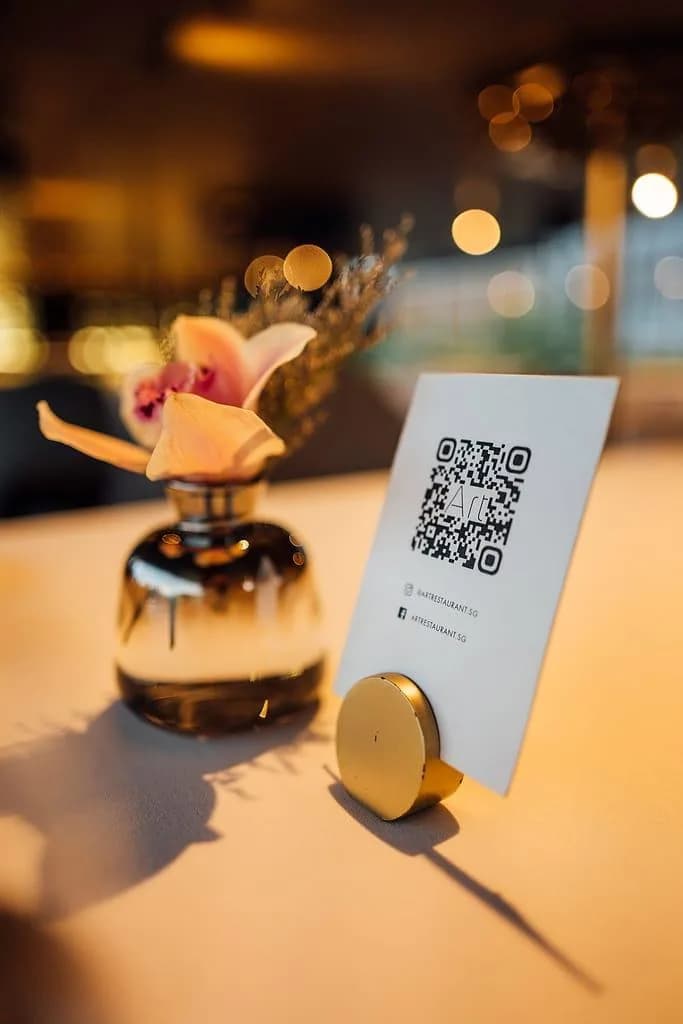
QR code card on a restaurant table
Table cards
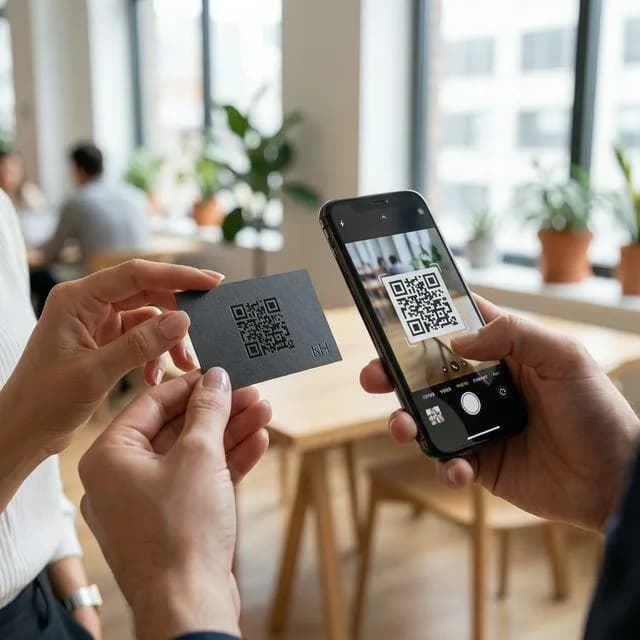
QR code on a business card being scanned
Business cards
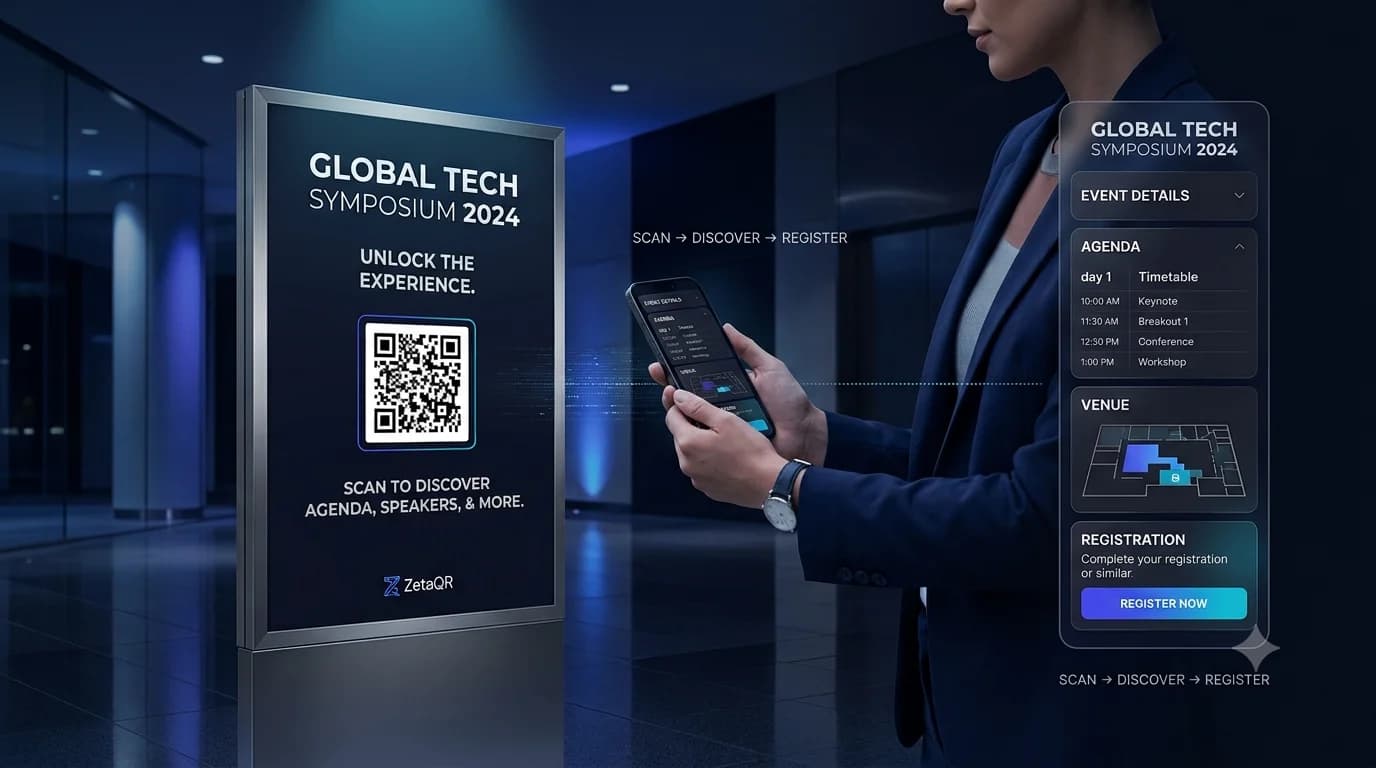
Event poster with a QR code
Posters

Download for print

PNGSVGJPGWebP

4Step 4 of 4

Update and measure

Change where the code leads whenever you like, and see when, where and on which devices people scan it.

  • Edit the destination after printing
  • Scans by time, city and device
  • No cookies and no personal data collected

Scan analytics

Demo / Example Data

Destination updated. Table card now opens the dinner menu. No reprint needed.

Scans by hour

Today
8amLunch peak (12–2pm)9pm

Top locations

Cookieless Geo
  • 🇺🇸New York1,842 (42%)
  • 🇬🇧London1,228 (28%)
  • 🇯🇵Tokyo745 (17%)
  • 🇩🇪Berlin570 (13%)

City-level location from the network, never GPS.

Devices

  • iPhone58%
  • Android36%
  • Desktop6%

Top placements

  • Front window poster41%
  • Table cards33%
  • Takeaway bags18%
  • Instagram bio link8%

Recent scans

Live
  • New York · iPhone · Front window posterJust now
  • London · Android · Table cards2 min ago
  • Tokyo · iPhone · Takeaway bags6 min ago

Behind the scenes

What happens when someone scans.

A dynamic QR code doesn't point straight at your page. It points at ZetaQR, which is why you can change the destination after printing.

Someone scans your code

With the camera already on their phone. Nothing to install.

Z

ZetaQR sends them on

It looks up where your code should go right now and counts the scan.

They land on your page

Your menu, a PDF, a contact card or any website.

The middle step is yours to control. Change the destination in your dashboard and every printed copy of that code follows straight away.

Why dynamic

Why you shouldn't print a static QR code.

Static codes look free until a link breaks on a thousand printed flyers. Here's how the two compare in real situations.

  • Your link changes or has a typo

    The printed code is stuck pointing at the wrong place. You reprint.

    Update the destination in your dashboard. The print stays the same.

  • A promotion ends

    People keep landing on an expired offer or an error page.

    Point the code at your next offer, menu or review page.

  • You want to know if the print worked

    No idea how many people scanned it.

    Scan counts, busiest hours, cities and devices.

  • The code gets scuffed or folded

    Basic codes can stop scanning when part of them is damaged.

    High error correction keeps styled and worn codes readable.

  • It needs to look on-brand

    A plain black-and-white square.

    Your colors, your logo, and vector files for your printer.

FAQ

Questions about how it works.

Plain answers about printing, changing and tracking dynamic QR codes.

A static code stores your web address in the pattern itself, so it can't change. A ZetaQR dynamic code stores a short ZetaQR link instead. When someone scans it, we send them to whatever destination you've set, and you can change that at any time.

Nothing breaks. Update the destination in your ZetaQR dashboard and every printed copy of the code opens the new page. No reprints and no stickers over the old code.

Not noticeably. There's one extra quick hop through ZetaQR before your page loads. On a normal phone connection people won't notice it.

No. iPhones and most Android phones read QR codes straight from the camera app, so nobody has to install anything.

PNG, SVG, JPG and WebP. SVG scales to any size without going blurry, so send that one to your printer. The others are handy for documents and the web.

Yes. The Starter plan is free forever and includes 10 dynamic QR codes and 500 scans a month. Pro and Business features are also free for everyone until December 1, 2026.

Your next scan could be your next customer.

Create a dynamic QR code on the free plan, put it on something real, and see what happens after people scan it.