For education
Make enrollment easier with one scan.
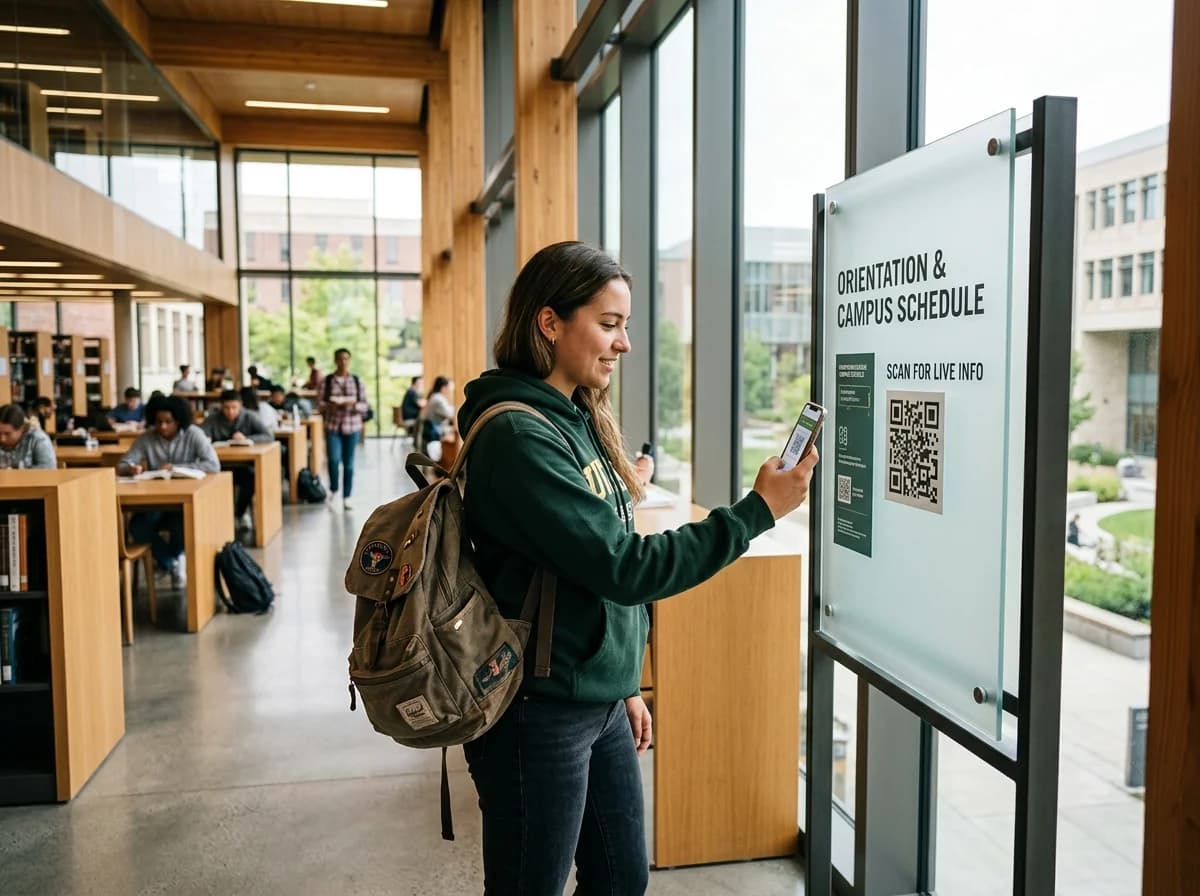
Put course details, batch dates and your admission form one scan away from every poster and prospectus, and switch them when a batch fills.
- Course PDFs and pages
- Switch batches any time
- See which posters work
Example business · demo content
Where it works
Wherever students and parents look.
Posters, prospectuses and open days can all lead somewhere useful.
Campus posters
Course details from the noticeboard.
Prospectuses
Syllabus PDFs that stay up to date.
Open days and fairs
Send parents to the admission form.
Batch enrolment
Point to the batch that's open now.
How it works
Up and running in three steps.
- 1
Pick the destination
Your course page, a syllabus PDF or your admission form.
- 2
Print posters and flyers
Put the code on noticeboards, prospectuses and stands.
- 3
Switch when batches fill
Point the code at the next batch or a waitlist.
Measure
Know which posters fill your courses.
Group codes by building, department or flyer and see where the interest comes from.
- Scans by poster and location
- Busiest enquiry times
- Devices and cities
Scan analytics
Demo / Example DataScans by hour
TodayTop locations
- 🇺🇸New York(New York, USA)1,842 (42%)
- 🇬🇧London(Greater London, UK)1,228 (28%)
- 🇯🇵Tokyo(Kanto, Japan)745 (17%)
- 🇩🇪Berlin(Berlin, Germany)570 (13%)
City-level location from the network, never GPS.
Devices
- iPhone58%
- Android36%
- Desktop6%
Top placements
- Front window poster41%
- Table cards33%
- Takeaway bags18%
- Instagram bio link8%
Recent scans
Live- New York · iPhone · Front window posterJust now
- London · Android · Table cards2 min ago
- Tokyo · iPhone · Takeaway bags6 min ago
Features
What schools and trainers get with ZetaQR.
Syllabus PDFs
Upload a course PDF and link to it.
Switch batches
Point a full batch at the waitlist in a click.
Your admission form
Send people to the form you already use.
UTM tags
See which poster sent each applicant.
Grouped by department
A campaign per course or campus.
Scan analytics
Which flyers and posters get scanned.
Education FAQ
Questions, answered.
What schools and trainers usually ask before getting started.
Turn noticeboards into enrollments.
Create a course QR code on the free plan and switch batches whenever they fill.