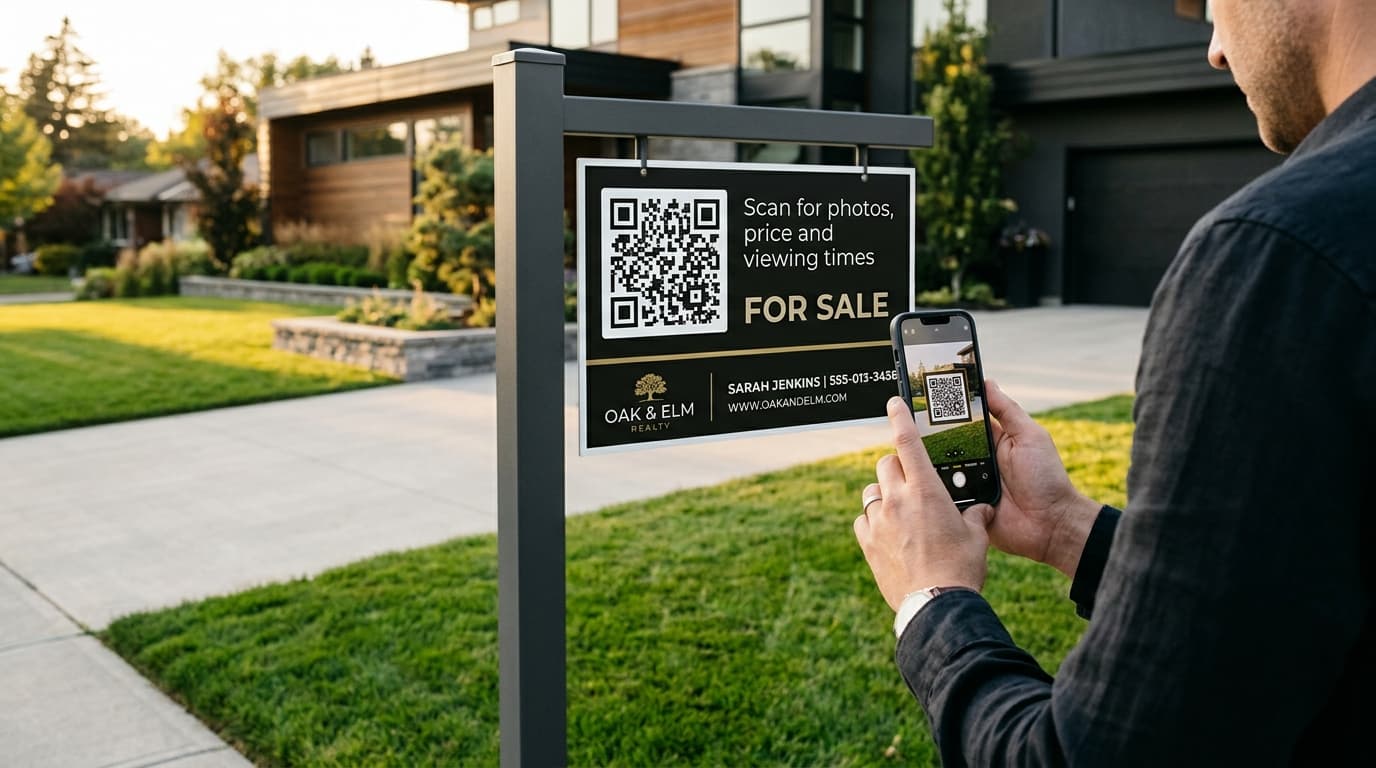
Static vs Dynamic QR Codes: Which One Should You Print?
A static QR code locks your URL into the ink; a dynamic one lets you edit it after printing. Here's how they differ, what each costs, and when static is fine.
ZetaQR Team
Verified Contributor
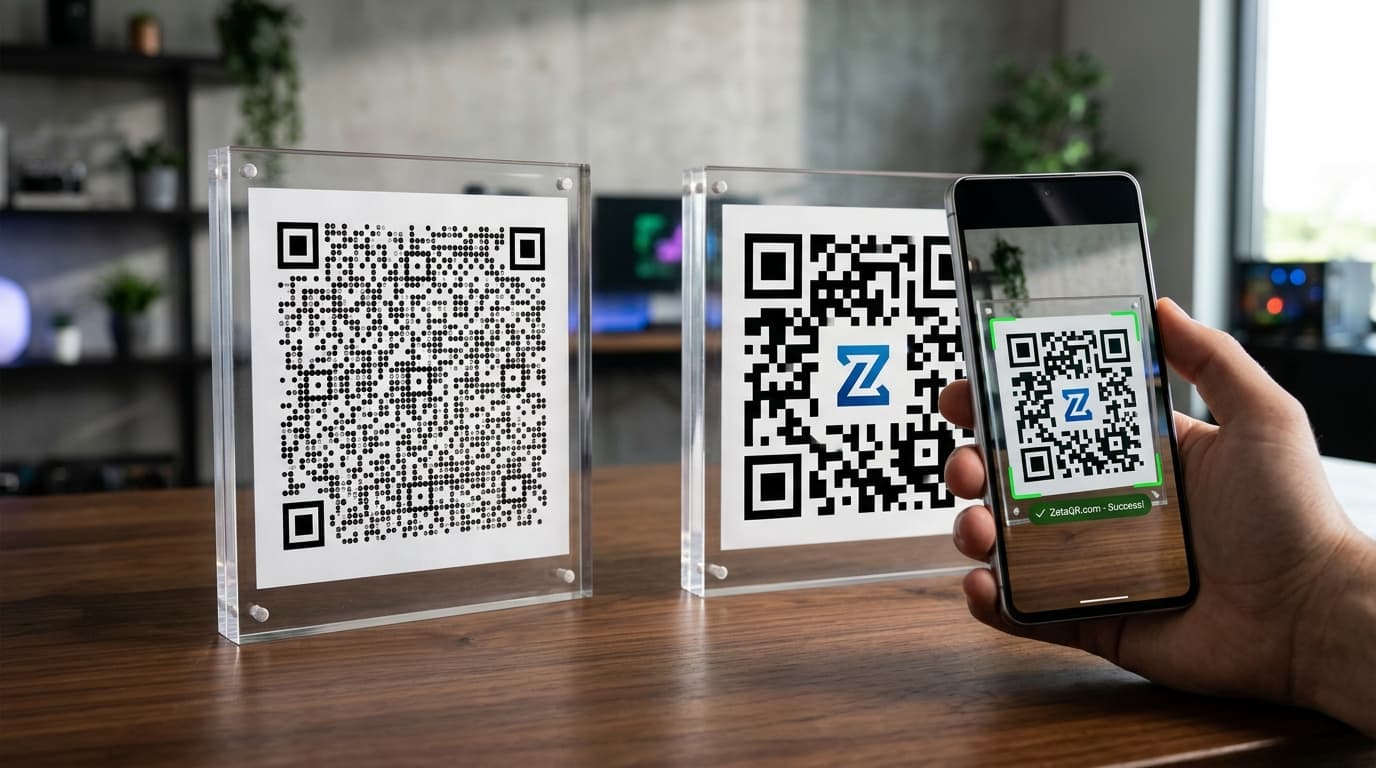
The Short Answer
A static QR code stores your destination URL directly in the printed pattern. Once it's printed, it can't be changed. Ever.
A dynamic QR code stores a short redirect link instead. The redirect lives on a server, so you can change where the code sends people, and see how many of them scanned it, long after the ink is dry.
In practice that splits a few ways. You can edit a dynamic code as often as you like; a static one is fixed the moment it's printed. Static gives you no scan data at all. Dynamic shows you how many scans came in, when, roughly where from, and on what kind of phone.
The pattern itself behaves differently too. Every character you add to a static code's URL makes it denser, so long tracking links turn into busy little mazes. A dynamic code stays small because it only ever holds the short link.
Then there's money. Static is free. Dynamic usually means a subscription, and it relies on the provider's server staying up (more on that further down).
If you're after the wider business comparison, our dynamic vs static QR codes guide covers it. This post stays on the print side: what happens to a code once it's on paper.
The rest of this guide is about what all that means once your code is sitting on a box, a menu, or a billboard you can't easily take back.
What Happens When a Printed Link Breaks
Picture this.
Twenty thousand product boxes arrive from the printer on a Thursday afternoon. You pull one off the pallet, point your phone at the QR code, and wait.
404 Page Not Found.
Maybe someone mistyped one letter in the URL before the artwork went out. Maybe the web team restructured the site last weekend and the old landing page is gone. Either way, if it's a static code, the broken address is now physically part of the cardboard.
Your options aren't great. Hand-apply correction stickers to every box, ask the web team to put a redirect on the dead URL (if you own that domain and they have time), or pay for a reprint.
With a dynamic code, the fix takes a minute: log in, paste the correct destination, save. The next person who scans gets the right page, and the boxes never know anything happened.
Why Long URLs Make QR Codes Harder to Scan
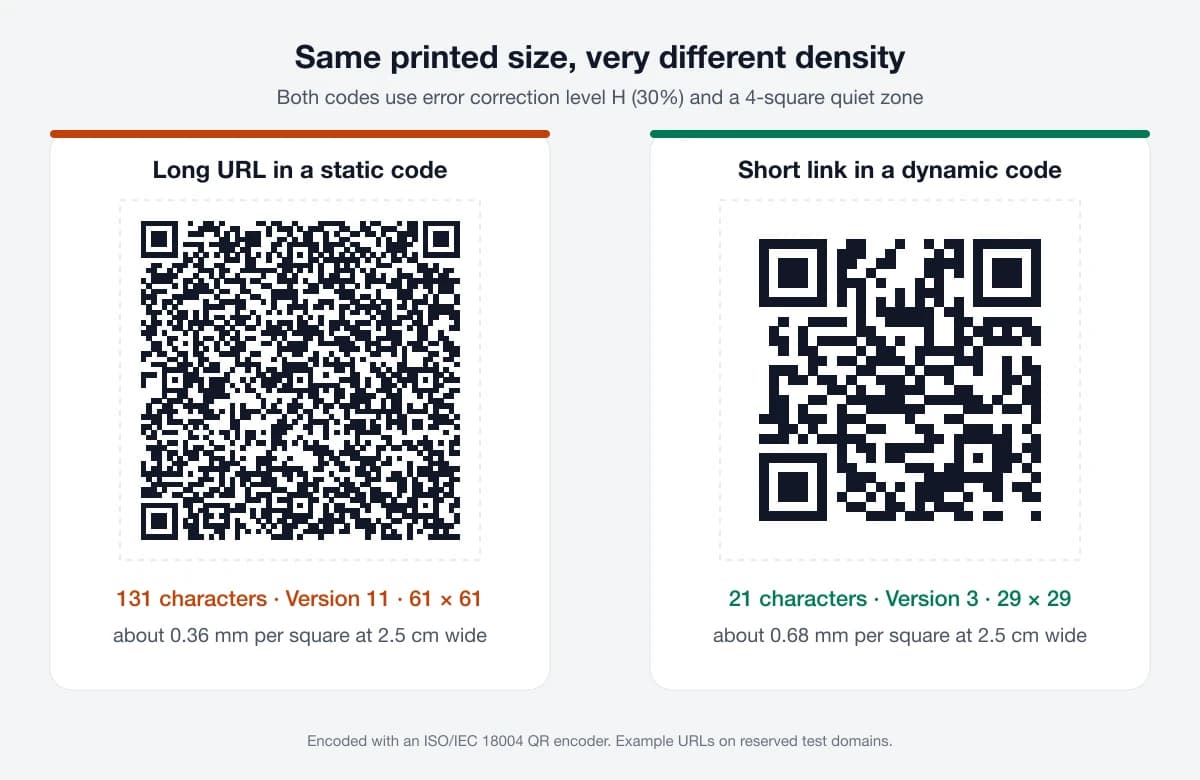
Every character you put into a QR code has to be stored as black and white squares (called modules). More characters means more modules. Since the printed size usually stays the same, each module gets smaller.
To show how big that effect is, we ran two links through a standard encoder that follows ISO/IEC 18004, the spec every phone camera reads:
- A 21-character short link came out as a Version 2 code (25 × 25 modules) at medium error correction, and Version 3 (29 × 29) at the highest level.
- A 131-character product URL with UTM tags came out as Version 8 (49 × 49) at medium, and Version 11 (61 × 61) at the highest level.
Print both at 2.5 cm wide, including the required four-module quiet zone, and the short link's modules are about 0.68 mm each. The long URL's are about 0.36 mm. Roughly half the size.
Half-millimetre dots are fine on glossy paper in good light. They're a lot less forgiving on corrugated cardboard where ink spreads a little, behind a scratched acrylic stand, or in a dim restaurant. That's when you see people waving their phones back and forth while the autofocus hunts.
A dynamic code sidesteps this. Your real landing page can be 200 characters long with a dozen tracking parameters; the printed code only ever holds the short link, so it stays low-density.
Where You'll Actually Feel the Difference
The editing thing gets all the attention. Fair enough. But once your codes are out in the world, a few other differences end up mattering just as much.
Knowing whether anyone scanned it
With a static code, you're guessing. Say you drop 3,000 flyers around town. Did 40 people scan? 400? You'll never know, unless a few of them happen to buy something you can trace back.
Dynamic codes solve this almost by accident. Every scan has to pass through the redirect anyway, so the server can note the time, a rough city based on the IP address, and whether it was an iPhone or an Android. Our own scan analytics work this way, and they don't drop tracking cookies on anybody's phone.
How far away people can scan from
Designers like to quote the 10:1 rule. Take the code's width, multiply by ten, and that's roughly how far away it'll scan. So a 10 cm code on a poster is good for about a metre.
That number quietly assumes the code isn't crammed with tiny squares. Shrink the squares (which is exactly what a long URL does) and people have to step closer. On a table tent, who cares. On a yard sign someone's squinting at from the pavement, it's a real problem.
Error correction isn't free
QR codes carry spare data so they still work when part of the code gets scratched or covered. There are four levels, L, M, Q and H, which can recover roughly 7%, 15%, 25% and 30% of the code. Want a logo in the middle? You'll need Q or H.
Thing is, that spare data needs room. When we bumped our long test URL from M to H, it jumped from Version 8 to Version 11. That's twelve extra rows and twelve extra columns of squares squeezed into the same printed space. The short link went from Version 2 to Version 3. Barely moved.
Scheduling and expiry
Weekend sale flyers are the classic case. Monday comes, the sale's over, and every flyer still points at the sale page. Or at a 404, if someone tidied the site up. A dynamic code can just flip over to your regular shop page when the sale ends. Set it once and forget it.
What people see before they tap
Point an iPhone camera at a QR code and a little yellow bubble pops up with the domain name. A lot of Android phones show more of the actual URL. If yours is a long string of tracking tags, it honestly looks a bit like spam. A branded short link on your own domain reads better. People see a name they know, and they tap.
The Downsides of Dynamic QR Codes
We sell dynamic QR codes, so you'd probably expect us to skip this bit. We'd rather not.
The big one is dependency. A dynamic code only works while the redirect behind it works. If the provider has an outage, or your plan lapses, the codes on your packaging stop going anywhere useful. So before you print 20,000 of anything, ask the vendor (yes, us too) exactly what happens to live codes if you cancel. If it's a big run, get the answer in writing.
Running your short links on a domain you own helps a lot here. If you ever leave, you still have the domain, and that keeps your options open.
Then there's the extra hop. The phone hits the redirect first, then your page. On a half-decent mobile connection you won't notice. It's still one more link in the chain, though.
And yes, it costs money. Static codes are free and they'll stay free. Here's how we'd think about it: if one reprint or one wasted campaign would cost more than a year of the subscription, dynamic pays for itself the first time something changes.
Static or Dynamic: Which Should You Pick?
Static is fine more often than QR companies like to admit.
A Wi-Fi card on the fridge is the obvious one. Your password barely changes, and nobody needs analytics on their kitchen. Warehouse bin labels and asset tags are another. They hold a serial number, get read by a handheld scanner, and often there's no internet involved at all. A public crypto wallet address works too, since the whole point is that it never changes. And if you're printing a sign for Tuesday's meeting that'll be in the bin by Wednesday? Don't overthink it.
Go dynamic when getting it wrong would cost you something. Packaging and big print runs, for a start. Billboards and transit ads, because they're expensive to swap and somebody will eventually ask whether they worked. Restaurant menus, where prices move and the special sells out by eight. Business cards and event badges too. People change jobs and phone numbers far more often than they reorder cards.
Not sure? Try this: if anyone is going to ask "did this work?", you need scan data. And that means dynamic.
Before It Goes to the Printer
Whichever type you go with, run through this first. It takes maybe twenty minutes and catches most of the common problems.
Print a proof at actual size, on the actual material. A code that scans perfectly off your monitor can struggle on corrugated cardboard or shiny vinyl. Then scan it with the oldest phone in the office, not the newest. Stand where your customers will really stand, in the light they'll really have.
While you're holding the proof, check a few things:
- The quiet zone. You need a blank margin about four squares wide all the way around. Designers trim it to make layouts fit more often than you'd think.
- Contrast. Dark code on a light background. Light-on-dark and pastel-on-pastel codes fail on some phones.
- Glare from gloss lamination or acrylic stands under overhead lights. Matte is kinder.
- File format. Send the printer an SVG or PDF. If it really has to be a bitmap, make it 300 DPI or more.
Last one, and it's the easiest to skip: open the destination page on a phone. Not your laptop. A phone, on mobile data.
Frequently Asked Questions
What size should a printed QR code be?
Work backwards from the distance. The 10:1 rule says divide the scanning distance by ten, so a code people scan from a metre away should be about 10 cm wide. For things people hold in their hand, like business cards and packaging, around 2 cm is a common minimum. Whatever size you land on, print a proof and scan it before the full run.
Which error correction level should I use for print?
M (15%) suits most clean print jobs. Go up to Q or H if the code will get scuffed, sits on a rough surface like kraft cardboard, or has a logo in the middle. Each step up adds squares, though, which is one more reason to keep the encoded link short.
Can I put my logo in the middle of a QR code?
Yes, as long as you use Q or H error correction and keep the logo fairly small. The logo covers part of the pattern and error correction fills in the gap. Cover too much and the code stops scanning, so always test the final artwork, not just the plain code.
Does a dynamic QR code take longer to open?
Barely. Phones often lock onto a dynamic code faster, because it's less dense. Opening it adds one quick hop through the redirect before your page loads. On a normal mobile connection, most people won't notice.
Is scan tracking a privacy problem?
It doesn't have to be. Counting scans from the redirect request (time, rough location, device type) doesn't need cookies or anyone's personal details. Depending on where you operate, you may still need to mention it in your privacy policy, so it's worth checking.
The Bottom Line
Static codes are permanent. Sometimes that's exactly what you want.
For anything you're paying to print, though, ask one question before the artwork goes out. What happens if this link needs to change in six months? If the answer has the word "reprint" in it, use a dynamic code.
Want to see how it works? Make a code with ZetaQR Dynamic QR Codes, print it at real size, and go scan it where your customers will. That test will tell you more than any article can. This one included.
Related Topics
- #dynamic-qr-codes
- #static-qr-codes
- #qr-code-printing
- #qr-code-error-correction
- #qr-code-analytics
- #print-marketing
ZetaQR Team
EditorialWriting on dynamic QR code technology, physical-to-digital attribution, and print campaign telemetry at ZetaQR.