Diwali to New Year QR Campaigns Without Reprinting
One printed QR code can carry your Diwali, Black Friday and New Year offers. Here's how to switch it, track each shop, and pick festive colours that scan.
ZetaQR Team
Verified Contributor
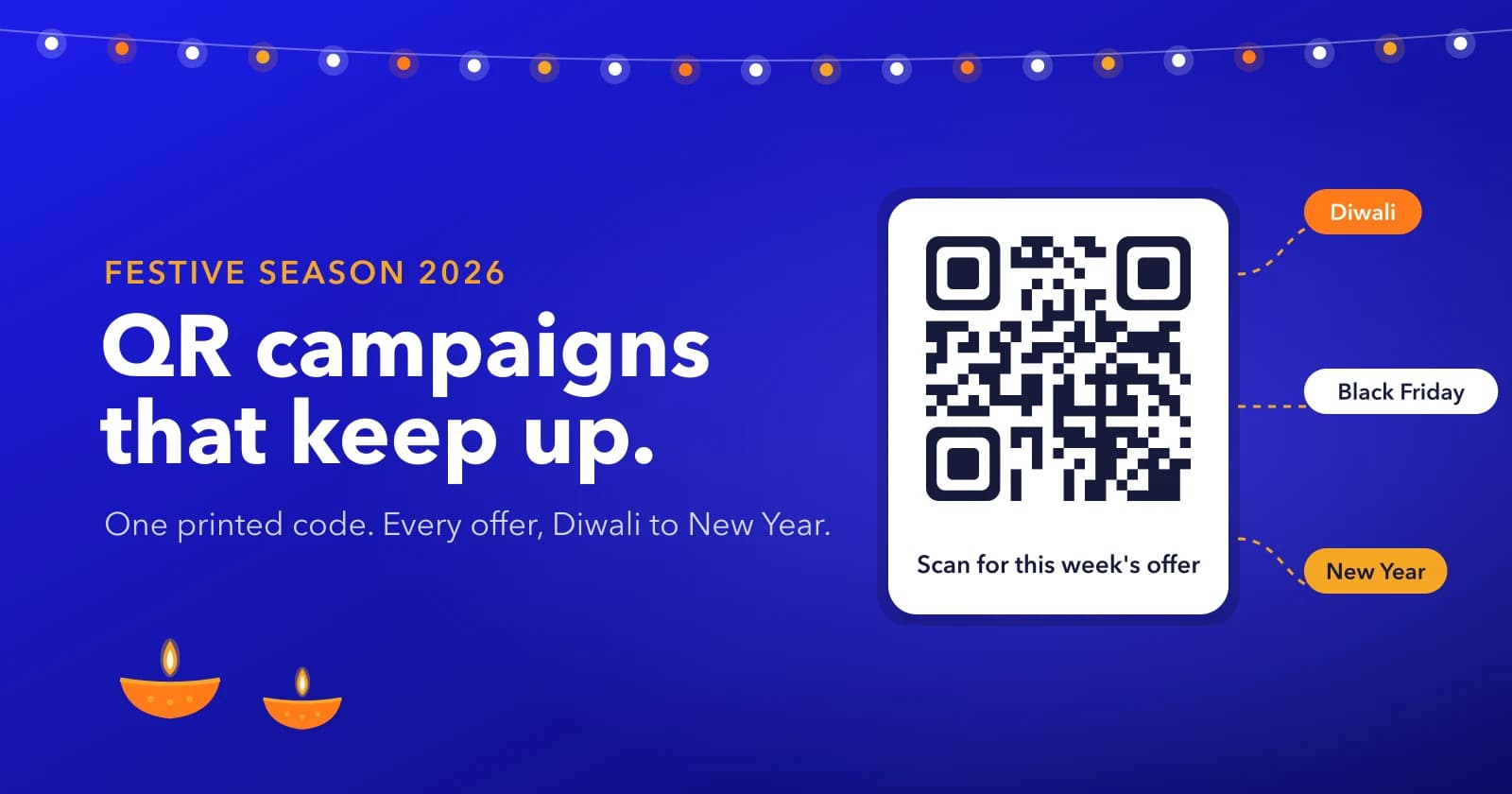
In short: print a dynamic QR code once and change where it points as each offer starts. That's Diwali until 8 November, Black Friday in late November and the New Year sale from 31 December. Give every shop and placement its own code. And keep the code dark on a light background, because in our test gold on white and saffron on cream were the colours that let us down.
Why Festive Print Goes Stale So Fast
Say you run three gift shops. In late October you print shelf cards, a window poster and a stack of bill inserts for Diwali. Three weeks later it's Black Friday. Then New Year. Same shelves, three different offers.
With a static QR code the link is baked into the pattern, so every card keeps opening the Diwali page long after Diwali's gone. You either reprint or leave it. Neither is great.
A dynamic QR code prints a short link instead, and you decide where that link goes. Change it in the dashboard and the card on the shelf opens the new offer. (If the difference is new to you, there's a longer explainer on dynamic vs static QR codes.)
One Code, Three Offers
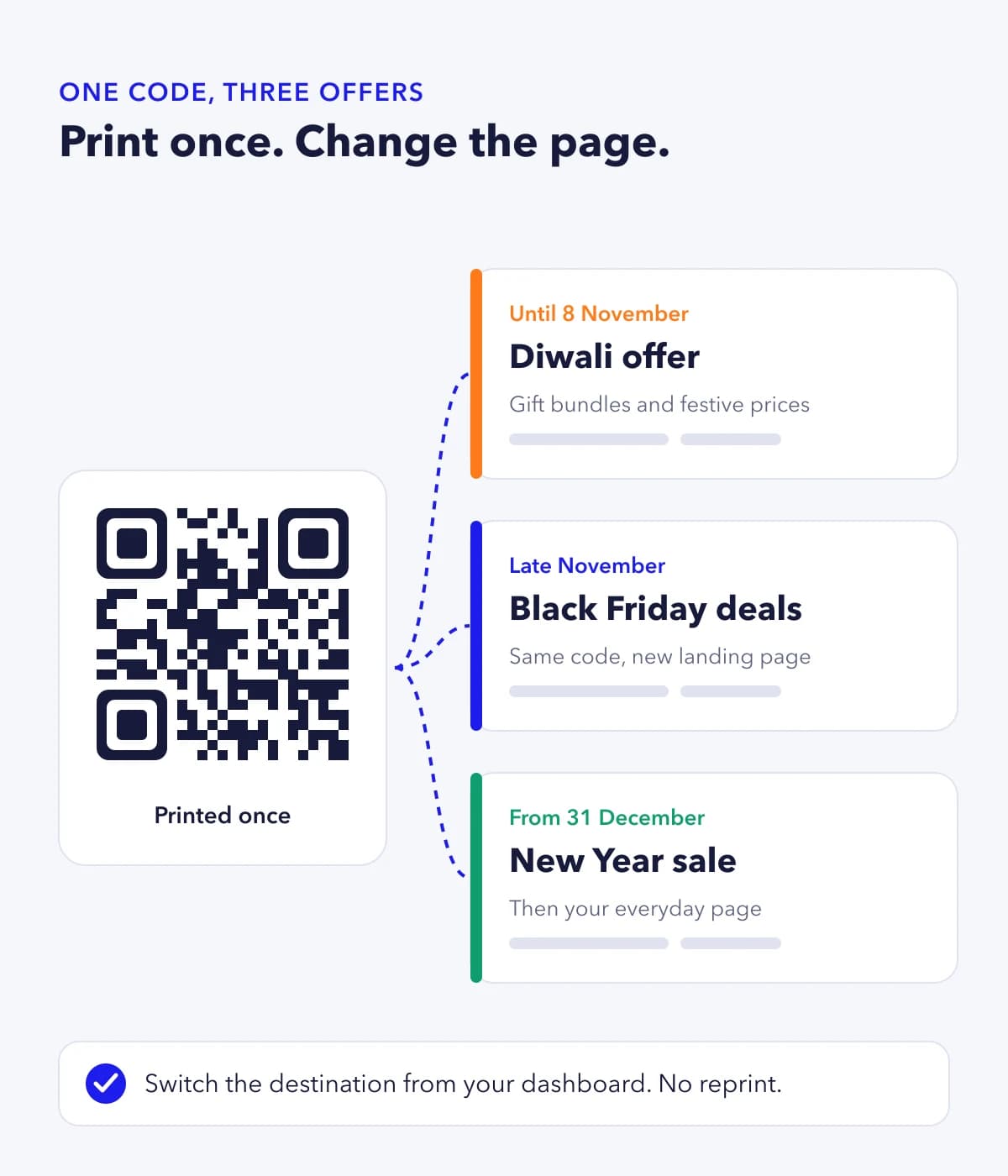
Here's how that plays out. Until 8 November the code opens your Diwali bundles. In late November you point it at the Black Friday page. From 31 December it opens the New Year sale, and once that's over, your everyday catalogue.
Each switch takes about a minute. Nothing gets reprinted.
But it won't switch by itself. A ZetaQR campaign can record a start and end date so you know when each offer runs, yet the actual change is something you do. So put the three switch dates in your calendar now, with a reminder for the morning each sale starts.
Where Festive QR Codes Earn Their Place
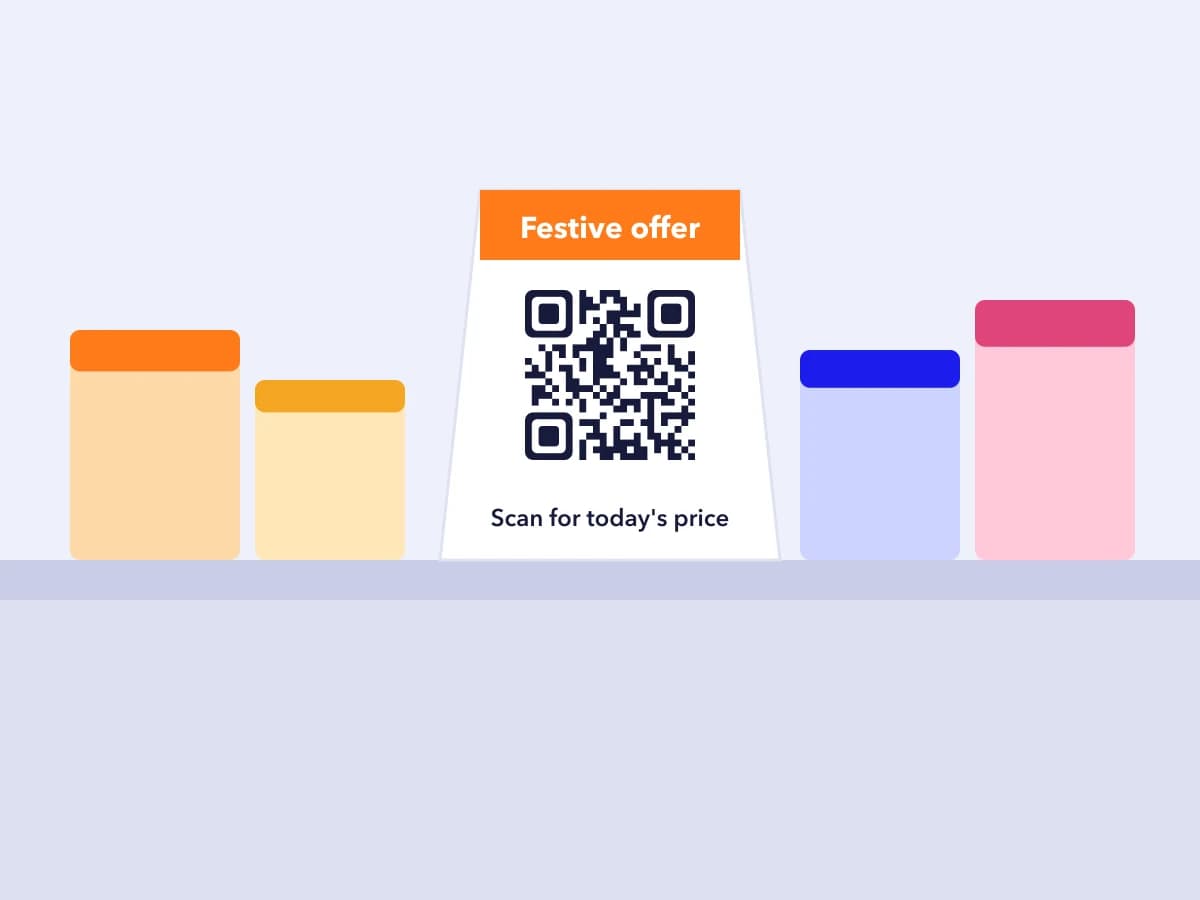
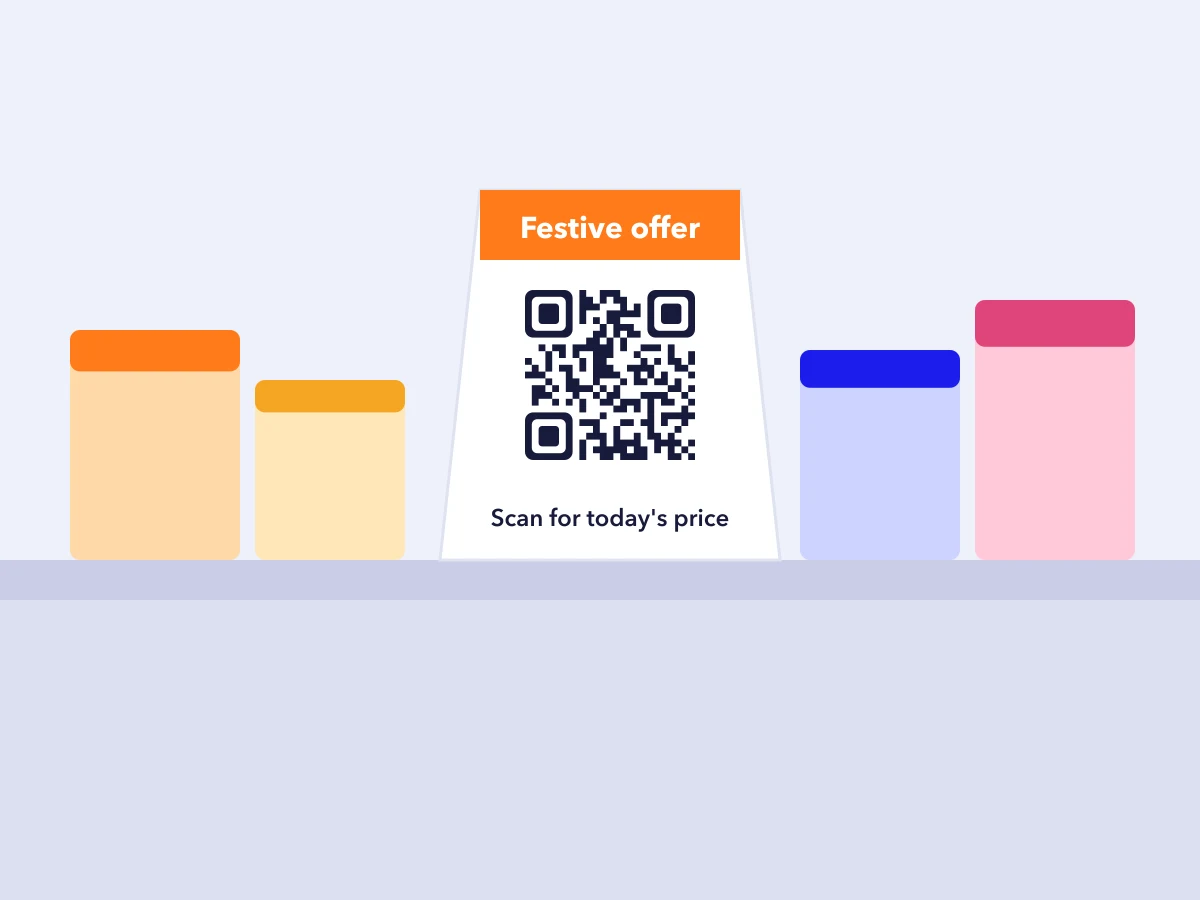
Shelf cards: link to today's price or bundle, not your home page. 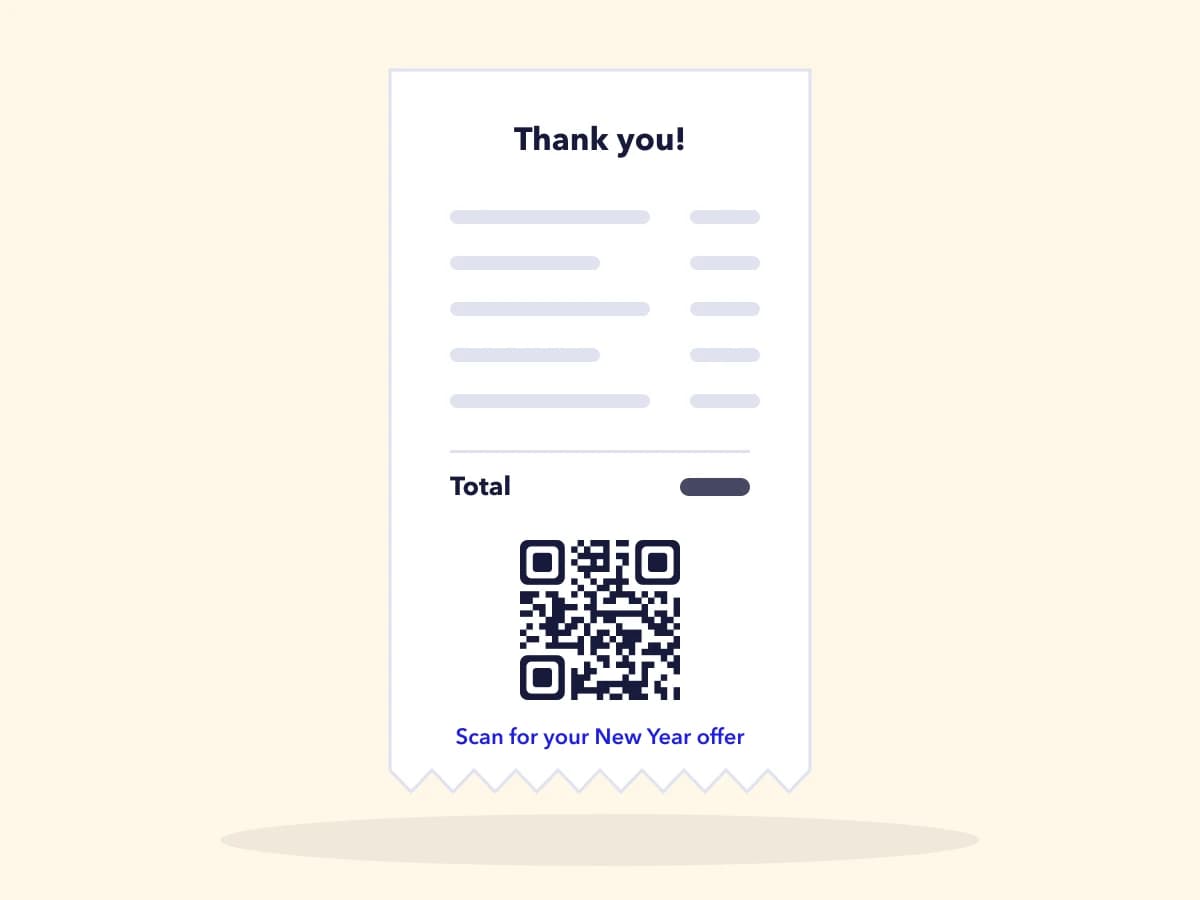
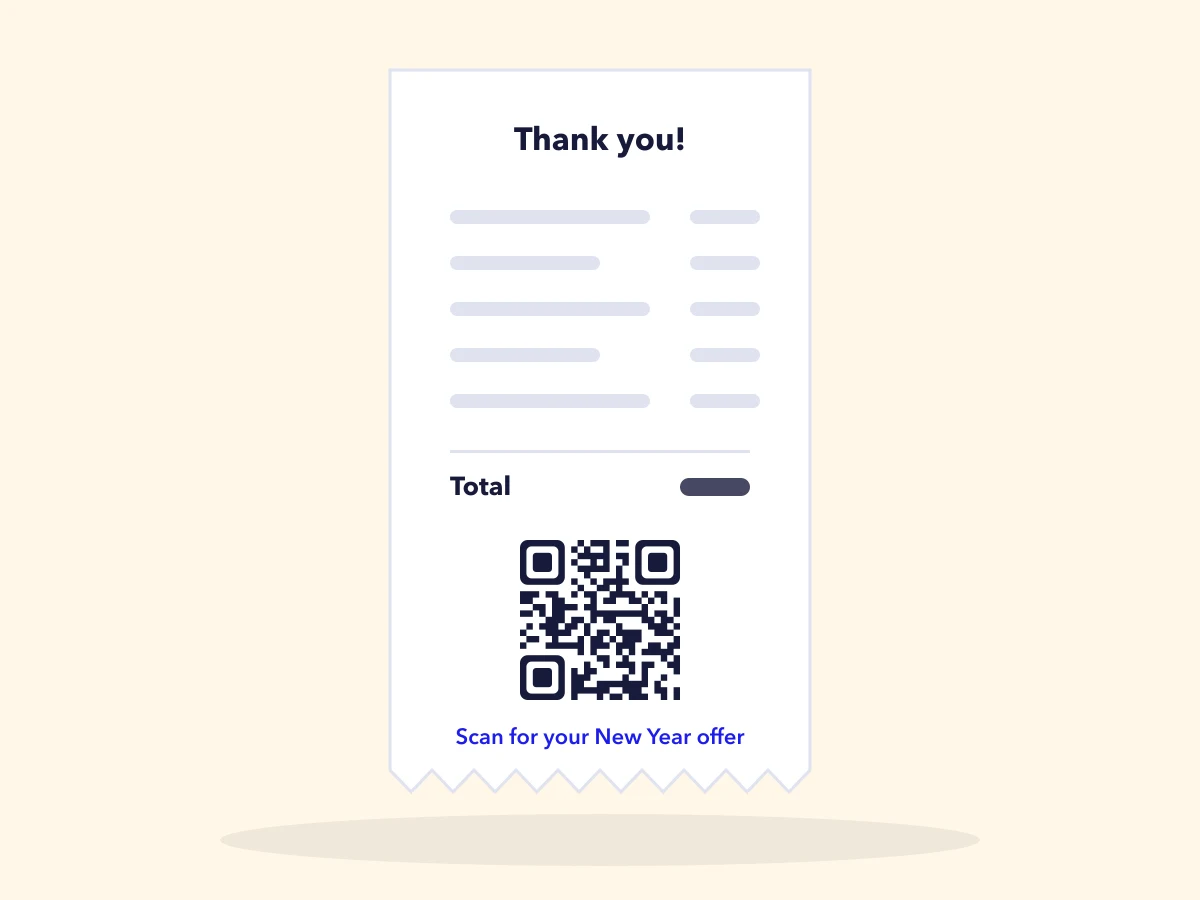
Bills and receipts: the customer has just bought, so give them a reason to come back. 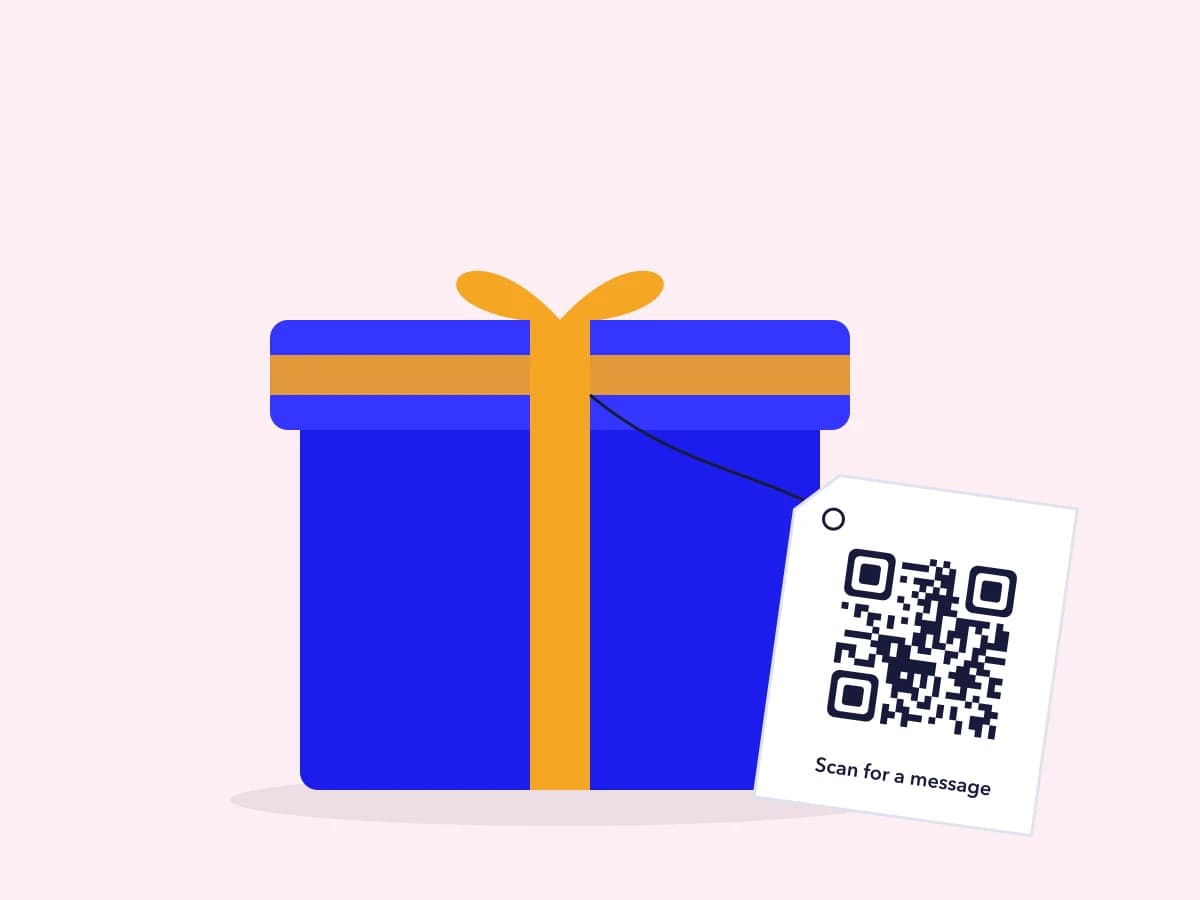
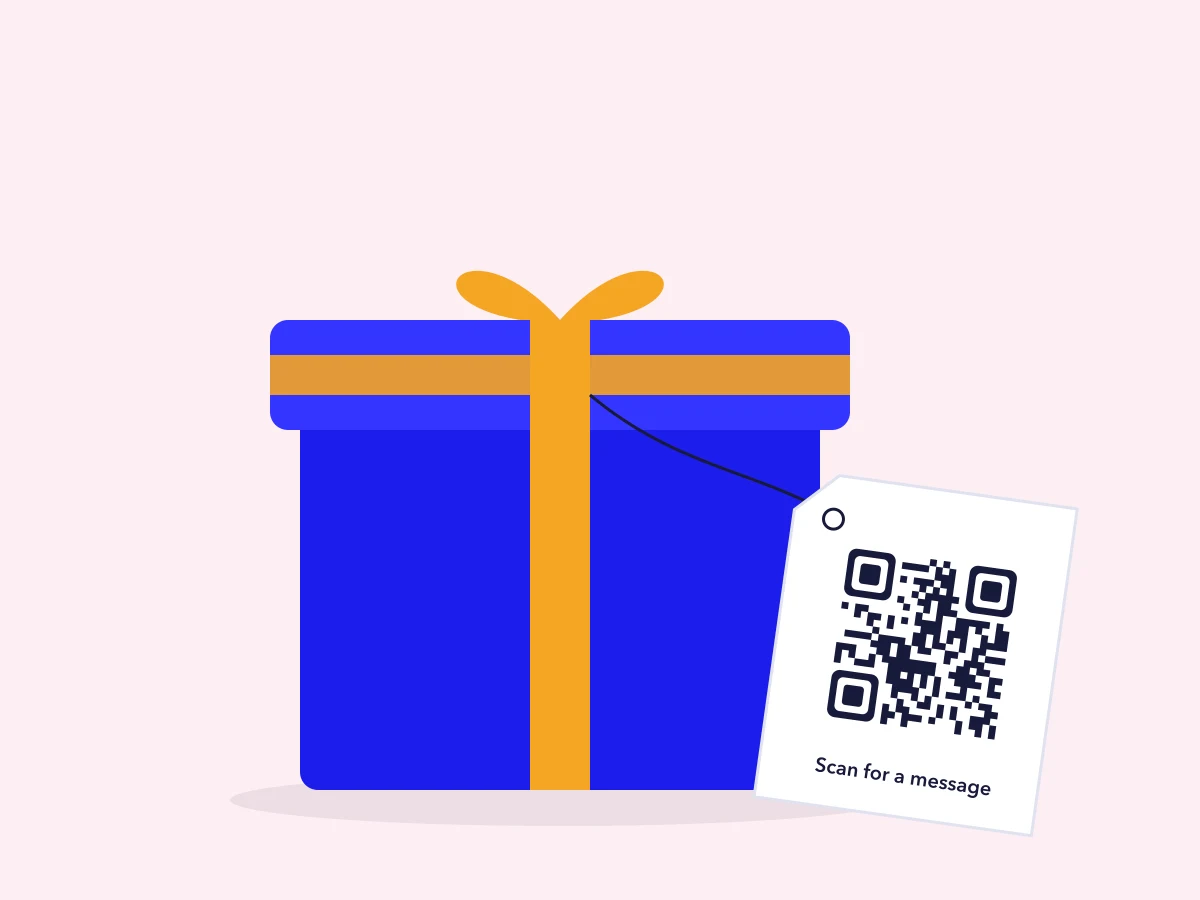
Gift boxes and tags: link to care instructions, a greeting page or your gift card store. 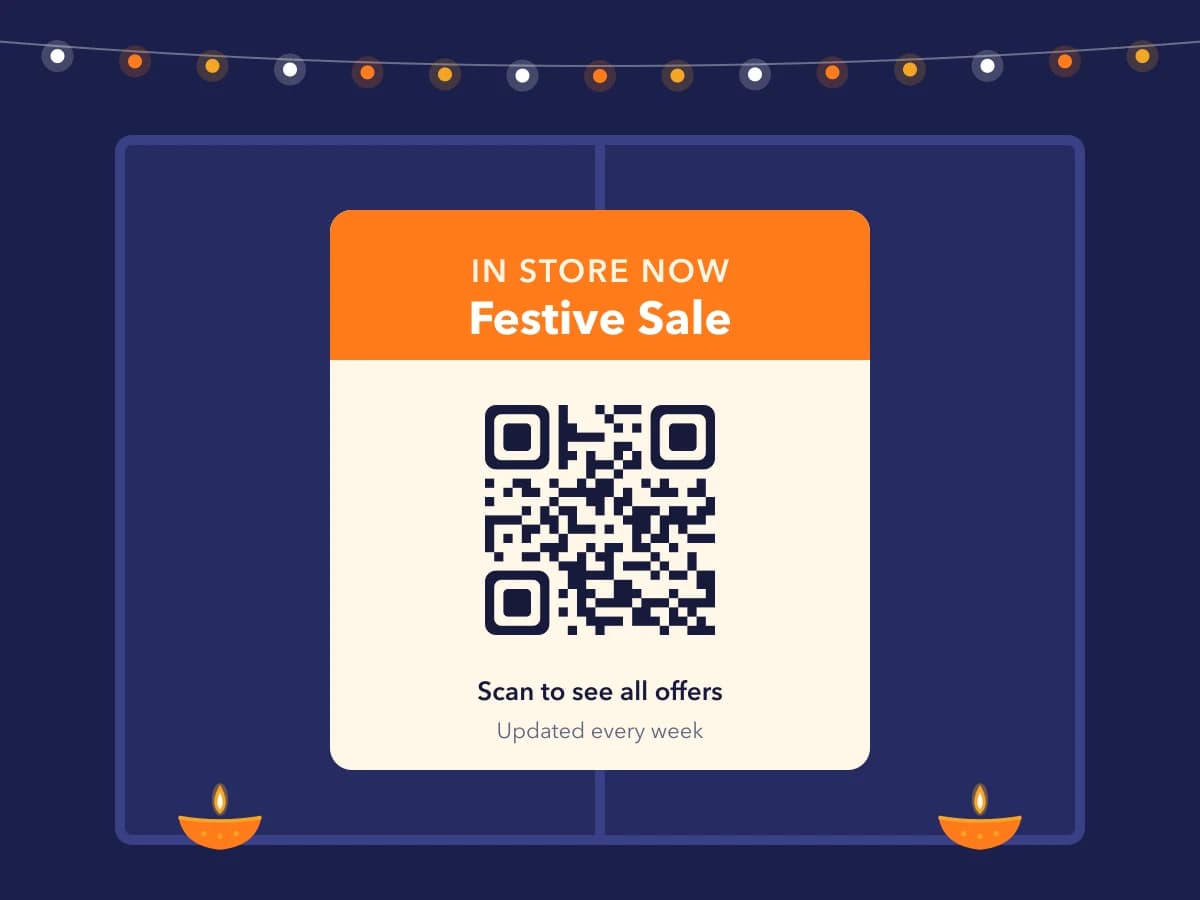
Window posters: these get scanned after closing time, so keep the offer page current.
We Tested Six Festive Colour Schemes
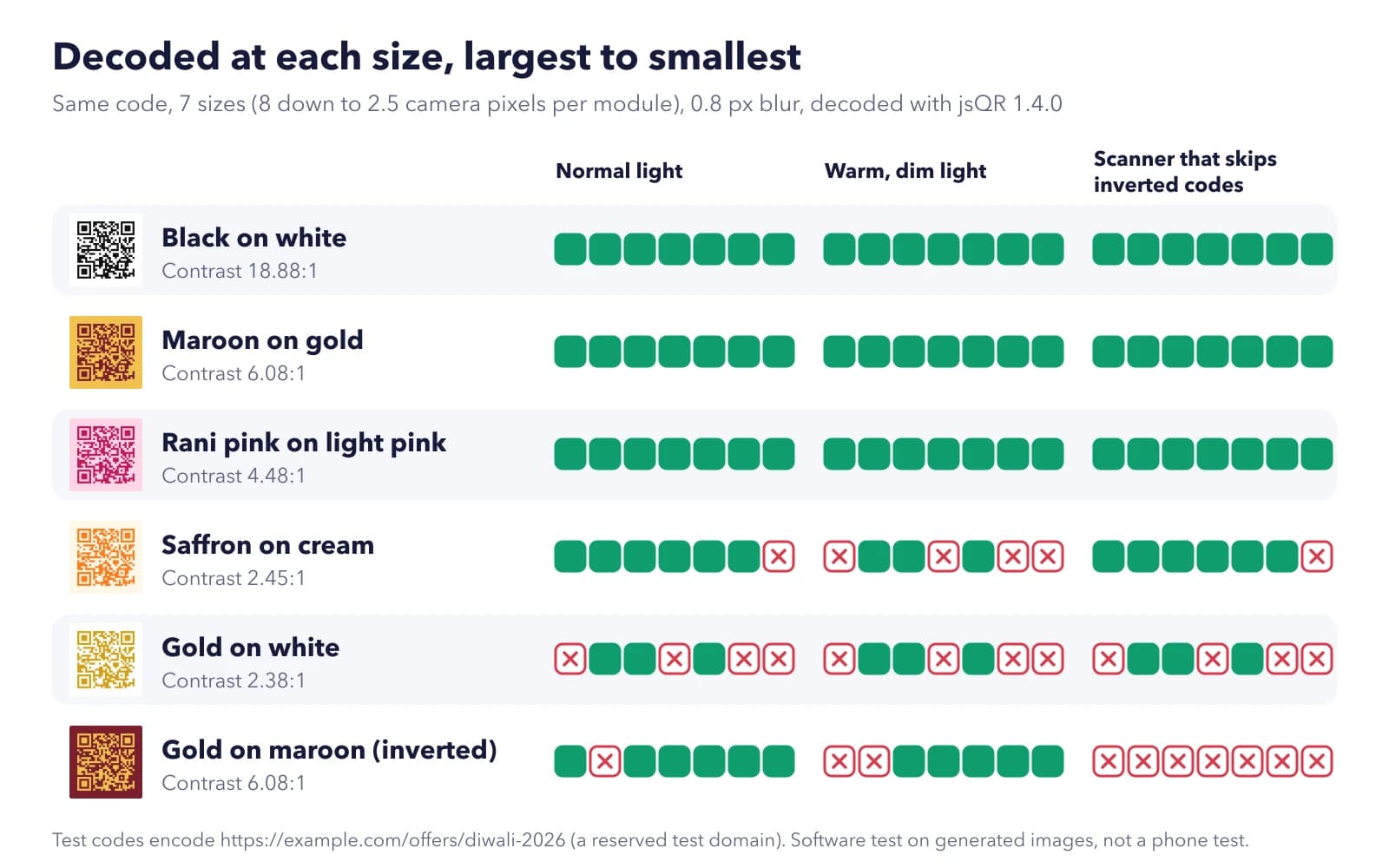
Festive print loves gold, maroon, saffron and pink, and it's tempting to colour the code to match. So we wanted to know which combinations still scan once the code is small, slightly blurred and lit by warm bulbs.
Here's what we did. We encoded one test link (https://example.com/offers/diwali-2026, on a domain reserved for testing) as a QR code and drew it in six colour schemes. Each version was shrunk through seven sizes, from 8 down to 2.5 camera pixels for every small square in the pattern, with a slight blur to mimic a phone camera. Fewer pixels per square is roughly what happens as you step back. Then every image went through jsQR, an open-source decoder, three ways: in normal light, under a warm and dim filter, and with the decoder told not to look for inverted codes.
Black on white decoded at all 7 sizes in every condition. So did maroon on gold (contrast 6.1:1) and rani pink on light pink (4.5:1), which surprised us a little. Saffron on cream managed 6 of 7 in normal light but dropped to 3 of 7 under the warm filter. Gold on white was the weakest at 3 of 7 in every condition, and it failed at the largest size too, so stepping closer wouldn't reliably help.
The inverted code, gold squares on a maroon background, was the odd one. When the decoder tried inverted codes it read 6 of 7 sizes. When it didn't, it read none. Phone camera apps differ on this, so we wouldn't bet a festive print run on an inverted code.
One caveat. This was a software test on generated images, not a room full of phones, so treat it as a comparison between colours rather than a promise about any one handset. The pattern was still clear enough to act on: dark squares on a light background, and nothing as pale as gold on white.
Give Every Store and Channel Its Own Code
One code for everything is simpler. But one code per shop and per kind of print (shelf card, poster, bill, gift tag) tells you far more. Group them in one campaign so they're easy to find and switch together.
Then the scan report can answer the questions you'd actually ask in January:
- Did anyone scan the window poster after closing?
- Which shop's shelf cards pulled their weight during the Diwali rush, and which barely moved at all?
- Do bill inserts bring people back for the New Year sale?
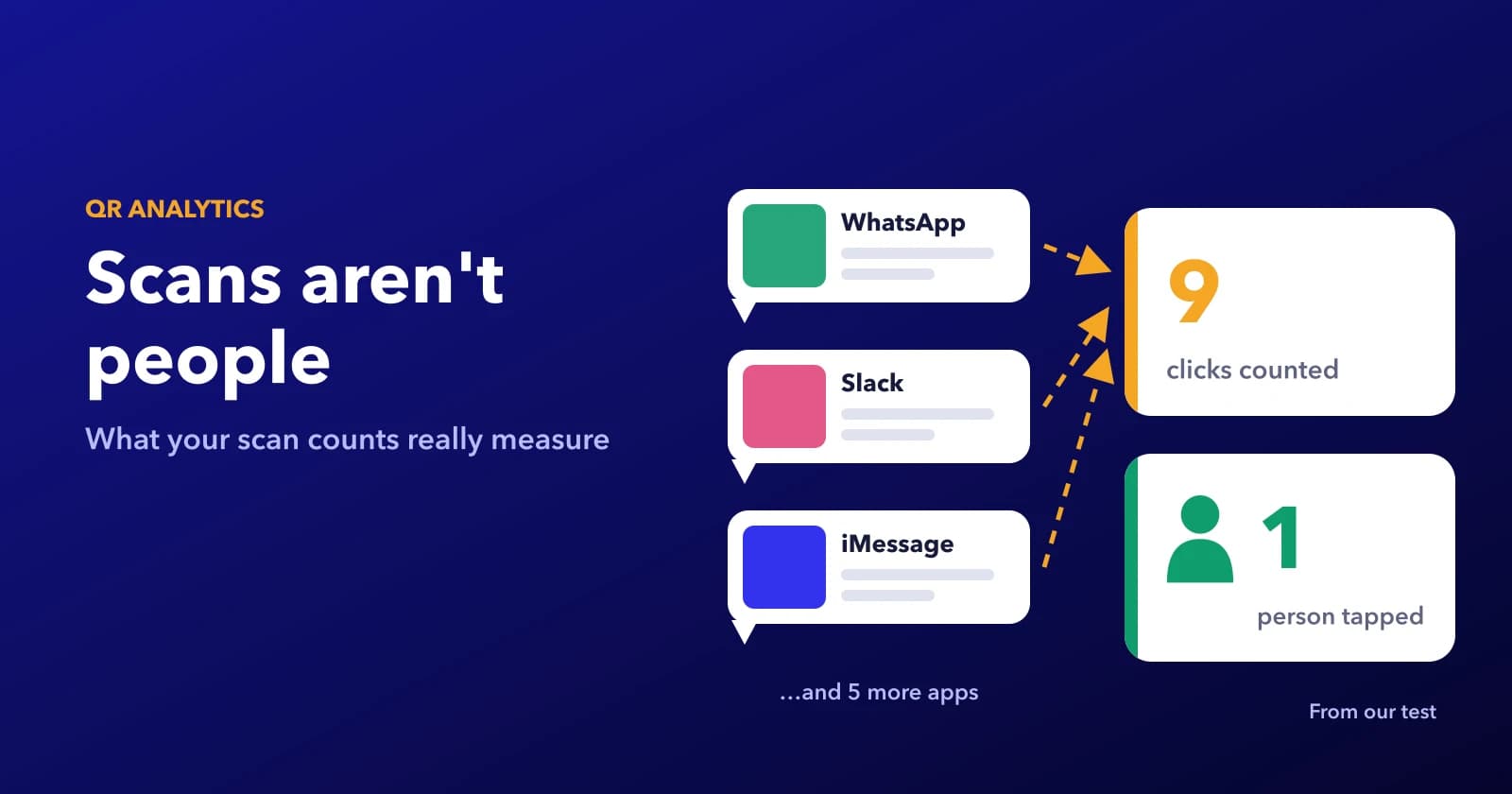
ZetaQR's scan analytics show when each scan happened, the approximate city and the type of phone, without cookies. Add UTM campaign tags to the destination links and those visits also show up in Google Analytics, next to your sales.
Name codes so January's report makes sense
Names matter later. Something like diwali-2026 / andheri / shelf takes ten seconds to type and saves a lot of guessing when you open the report after the season.
Comparing Your Stores in the Campaign Report
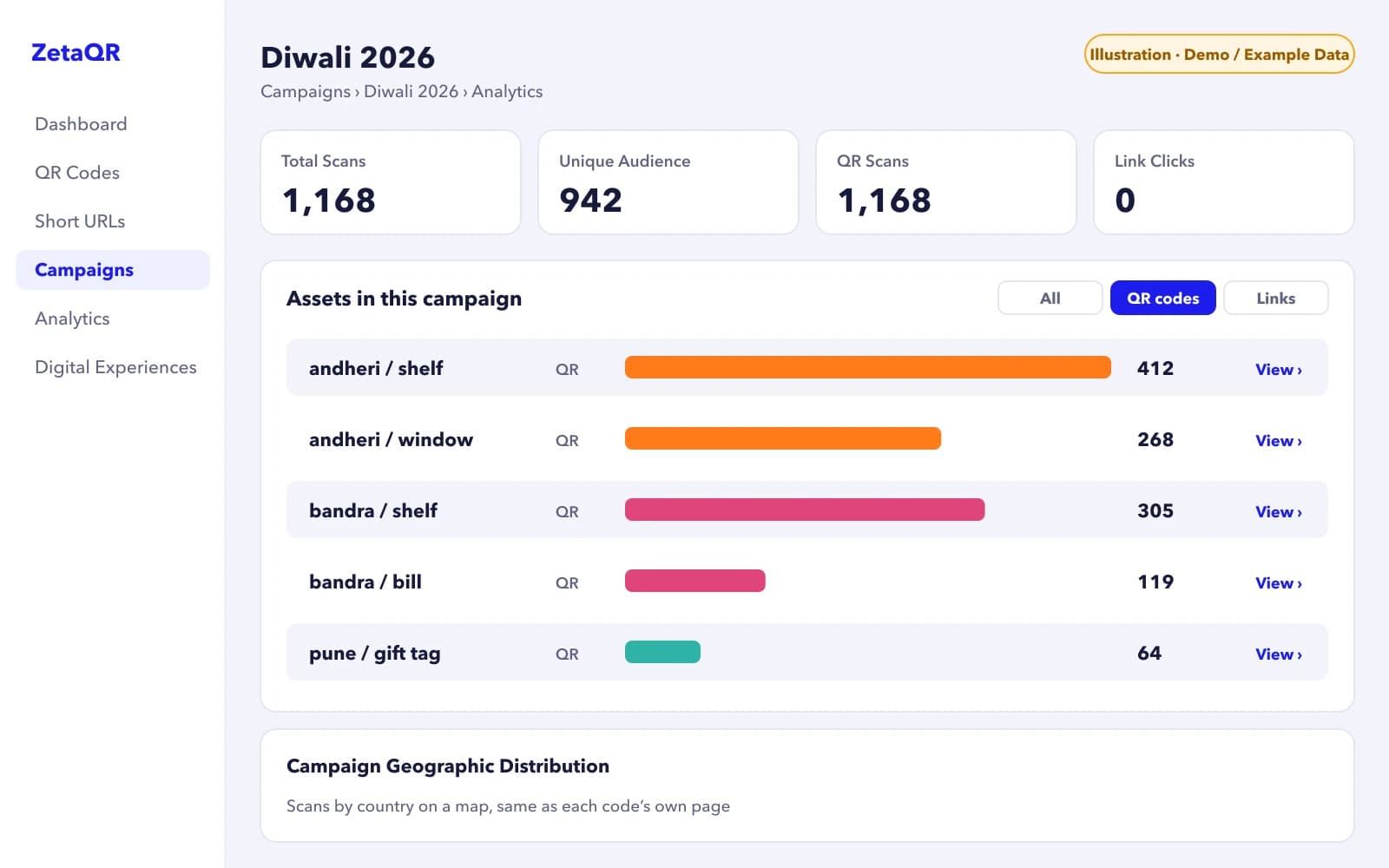
Once the codes sit in one campaign, open Campaigns, choose it and go to Analytics. The top cards add everything up: total scans, unique audience, and how many came from QR codes versus short links. Underneath, every code in the campaign gets its own row and count, so the Andheri shelf card and the Bandra bill insert sit right next to each other.
That list is the quickest way to answer "which store worked?" in January. Click any row to open that code's own page, where you can switch the chart between 7, 30 and 90 days and export the numbers as a CSV.
What to Do When the Festival Ends
A code that still shows a finished sale annoys whoever scanned it. So decide now where each code goes afterwards.
Anything that sticks around, like gift boxes, packaging or a printed catalogue, should end up on an evergreen page such as your product range or a reorder link. Posters and flyers can point at your current offers page, so a late scan still finds something. And if a code really should stop, give it an expiry date so it ends with the offer.
We sell dynamic QR codes, so you'd expect us to say every code should be one. It shouldn't. If the code on your carrier bag will only ever open your shop's map location, a static code is fine. It's the codes tied to an offer with an end date that need to be changeable.
Before the Festive Print Order Goes Out
A short check before you send files to the printer:
- Dynamic codes, not static.
- One code per shop and placement, all in one campaign, each with a name you'll still recognise in January.
- A dark code on a light background, so no gold on white or saffron on cream.
- The offer and its end date printed beside the code.
- Switch dates in your calendar.
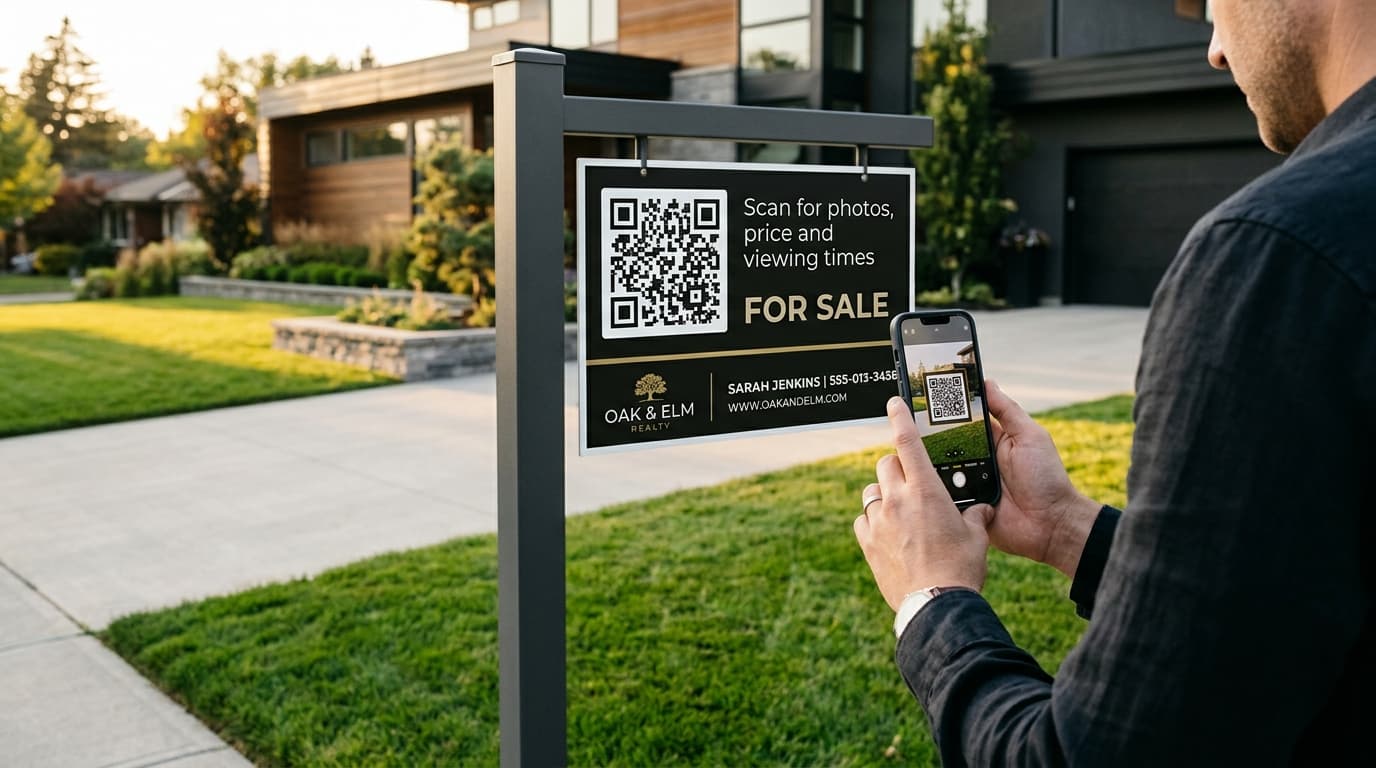
For sizing and test-scanning a proof, the steps in our guide to QR codes on property signs work for shelf cards and posters too.
Try It on One Shelf This Week
Start small. Pick the shelf card next to your best-selling gift bundle, make one dynamic code for it, and point it at the Diwali offer. When Black Friday starts, switch it and compare the weeks. By the New Year sale you'll have your own numbers for next season's print run.
Frequently Asked Questions
Can I print the QR code in gold foil to match the packaging?
We'd avoid it for the code itself. Our test covered printed colours, not foil, but gold on white was already the least reliable scheme, and shiny foil adds glare on top. Print the code in a solid dark ink and keep the foil for the rest of the design.
If a customer saved the link at Diwali, will it show the New Year offer?
If they saved the short link from the QR code, yes. It always opens wherever the code points now. If they bookmarked the Diwali page itself, they'll still land there, so leave that page up with a note pointing to the current offer.
Can I see how many scans came in during Diwali week only?
Yes. Every scan is logged with its date and time, and you can export the scans as a CSV and filter by week. With UTM tags on your links you can compare the same dates in Google Analytics too.
How many codes is too many for one shop?
Make a separate code only when you'd act on the difference. A shelf card and a bill insert behave differently, so split them. Ten identical shelf cards in one aisle can happily share a code.
Related Topics
- #festive-qr-campaigns
- #diwali-qr-codes
- #black-friday-qr-codes
- #qr-code-colors
- #retail-qr-codes
- #dynamic-qr-codes
ZetaQR Team
EditorialWriting on dynamic QR code technology, physical-to-digital attribution, and print campaign telemetry at ZetaQR.